ATM Balance Check UAE: Every Way to Check Your Bank Balance in 2027

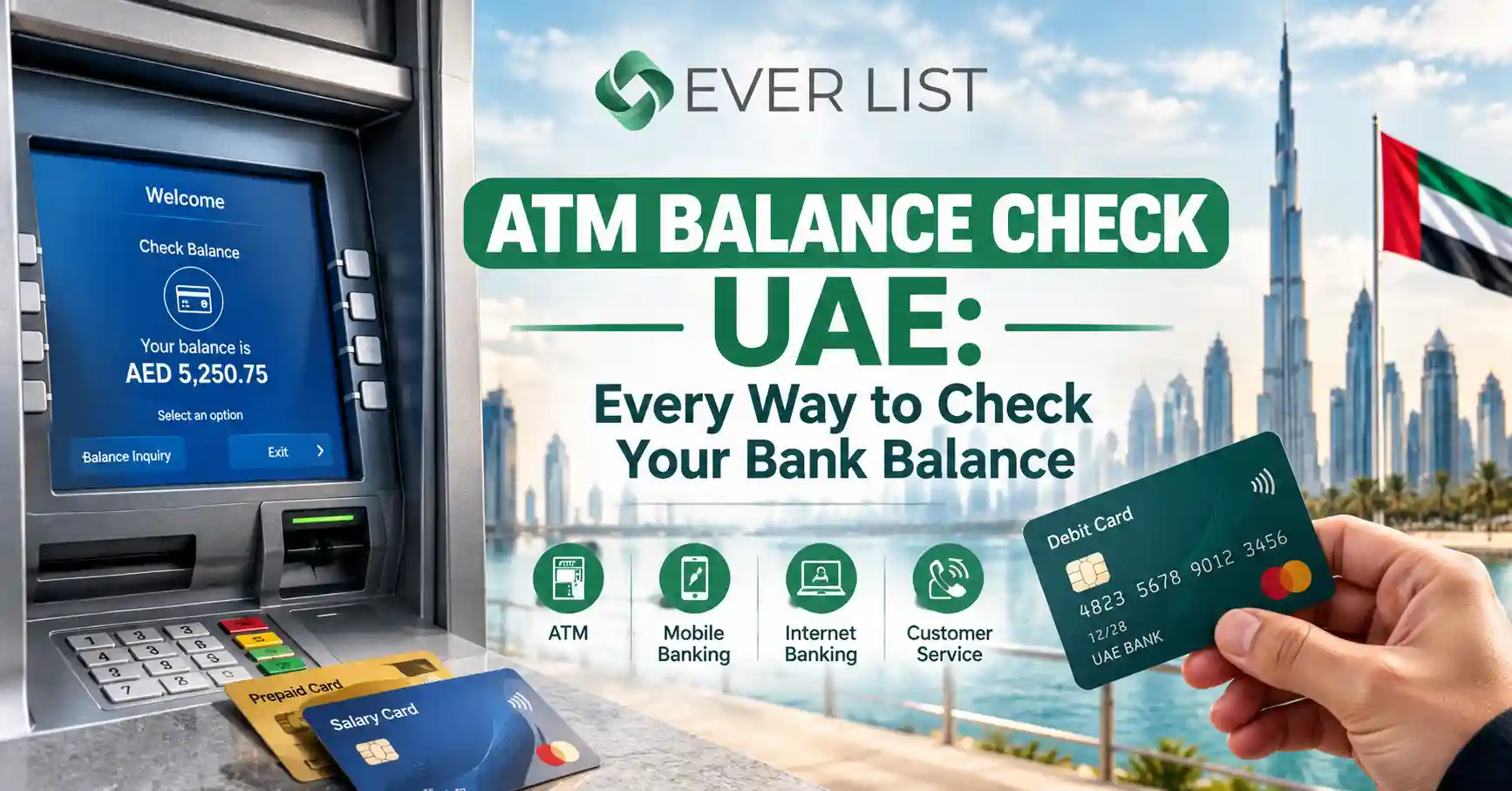
To do an ATM balance check in the UAE, insert or tap your card at any ATM, enter your 4-digit PIN, and select Balance Inquiry. Your bank’s own ATMs show the balance for free. Another bank’s ATM usually charges a small fee, typically around AED 1 per inquiry. If you want to skip the ATM entirely, your bank’s mobile app shows your balance for free and in real time.
That is the short answer. The rest of this guide covers every method UAE residents actually use to check a bank balance: ATMs, apps, online banking, SMS, WhatsApp, and phone banking. It also covers salary and prepaid cards such as Lulu, Ratibi, and Al Ansari, which work differently from a normal debit card and confuse a lot of people.
You will also learn why the number on the ATM screen sometimes looks wrong, what to do when the machine refuses to show a balance, and how to avoid paying fees you do not need to pay.
The fastest way to check your bank balance in the UAE
- Fastest and free: your bank’s mobile app (works anywhere, 24/7)
- No smartphone or internet: your own bank’s ATM or an SMS balance request
- Salary or prepaid card: the card provider’s app, portal, or a partner ATM
- Avoid if you can: repeated balance checks at another bank’s ATM, as each one can carry a fee
All the ways to check your bank balance in the UAE
UAE banks give you at least five ways to check a balance. Pick the one that matches what you have on hand: a card, a phone, or an internet connection.
| Method | What you need | Internet needed | Usual cost | Best for |
| Own bank’s ATM | Card + PIN | No | Free | Checking before a cash withdrawal |
| Another bank’s ATM in the UAE | Card + PIN | No | About AED 1 to AED 2.10 | When no own-bank ATM is nearby |
| Mobile banking app | Smartphone + login | Yes | Free | Daily, real-time checks |
| Internet banking | Browser + login | Yes | Free | Statements and detailed history |
| SMS banking | Registered mobile number | No | Usually free or a small SMS fee | Basic phones, weak data signal |
| WhatsApp banking | WhatsApp on registered number | Yes | Free | Quick checks without opening the app |
| Phone banking (IVR) | Phone + card or account details | No | Free | Elderly users, app problems |
| Card provider portal or app | Card number + registered mobile | Yes | Free | Salary and prepaid cards |
For most people, the mobile app wins. It is free, works from anywhere, and shows pending transactions that an ATM screen may not explain clearly.
How to check your balance at an ATM in Dubai and across the UAE
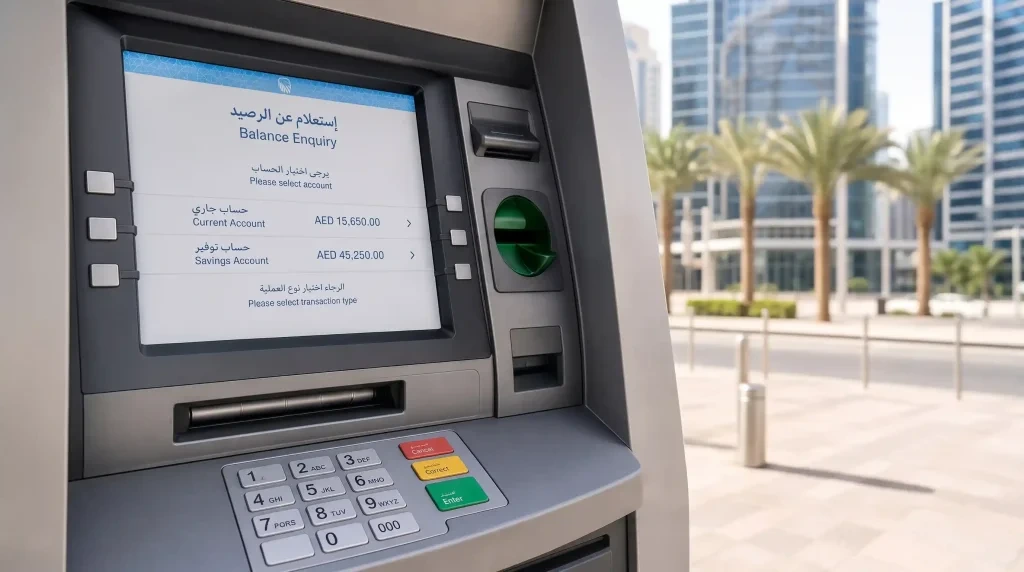
The ATM balance inquiry process is almost identical at every bank in the UAE. Menus look slightly different, but the steps stay the same.
- Find an ATM, ideally your own bank’s. Your bank’s app usually has an ATM locator. Malls, metro stations, fuel stations, and supermarkets in Dubai and Abu Dhabi almost always have one.
- Insert or tap your card. Many newer ATMs accept contactless cards or a phone wallet. Tap if the card reader shows the contactless symbol.
- Choose your language. Most UAE ATMs offer English and Arabic. Some also offer Hindi, Urdu, Malayalam, Tagalog, or Chinese.
- Enter your 4-digit PIN. Cover the keypad with your other hand.
- Select “Balance Inquiry”. Some machines label it “Balance Enquiry” or “Account Balance” or place it under “Other Services” or “More Options.”
- Pick the account if asked. If you hold a current and a savings account on one card, choose the one you want.
- View the balance or print a receipt. Choose screen display to save paper and protect your privacy.
- Take your card and finish. Always press Cancel or Exit before you walk away.
Using a phone instead of a card (cardless ATM check)
Several UAE banks now let you withdraw or check a balance by scanning a QR code on the ATM screen with the bank’s app or by tapping a phone wallet such as Apple Pay or Google Pay. If your card is at home, check whether your bank’s app offers a cardless or QR option before you leave.
Does the ATM show the same balance as the app?
Usually, yes. The ATM and the app read the same core banking record. Differences come from timing: a card payment you made a few minutes ago may show in the app as pending while the ATM already deducts it from the available balance. The section on available versus current balance below explains this in detail.
Is an ATM balance inquiry free in the UAE?
A balance inquiry is free at your own bank’s ATMs. At another bank’s ATM inside the UAE, your bank charges a small fee through the UAE Switch network, usually around AED 1 plus VAT. Fees rise for GCC and international ATMs.
Here is what three major banks publish in their current fee schedules:
| Bank (account type) | Own ATM | Other bank ATM in UAE | Other bank ATM in GCC |
| Emirates NBD (personal) | Free | AED 1.05 (incl. VAT) | AED 3.15 (incl. VAT) |
| FAB (business accounts) | Free | AED 1 | AED 3 |
| ADCB (Universal Account) | Free | AED 2.10 (incl. VAT) | Not listed |
Sources:Emirates NBD schedule of charges,FAB fees and charges,ADCB Universal Account fees. Fees change, so confirm your own account’s schedule on your bank’s website.
What “online ATM balance inquiry free” really means
People search for a free online ATM balance inquiry because they want to avoid these fees. The good news: every major UAE bank lets you check your balance free through its app, internet banking, or WhatsApp channel. The fee only applies when you use a physical ATM that belongs to a different bank.
Small fees add up.
AED 1.05 looks harmless. But a worker who checks a salary card balance at a non-partner ATM twice a week pays over AED 100 a year just to look at a number. A free app check gives the same information.
Does a failed or declined check cost money?
Sometimes. Several banks charge the same fee for a declined transaction at another bank’s ATM as for a balance inquiry. If an ATM rejects your card, try your own bank’s ATM or the app instead of retrying at the same machine.
How to check your ATM balance online (without visiting an ATM)
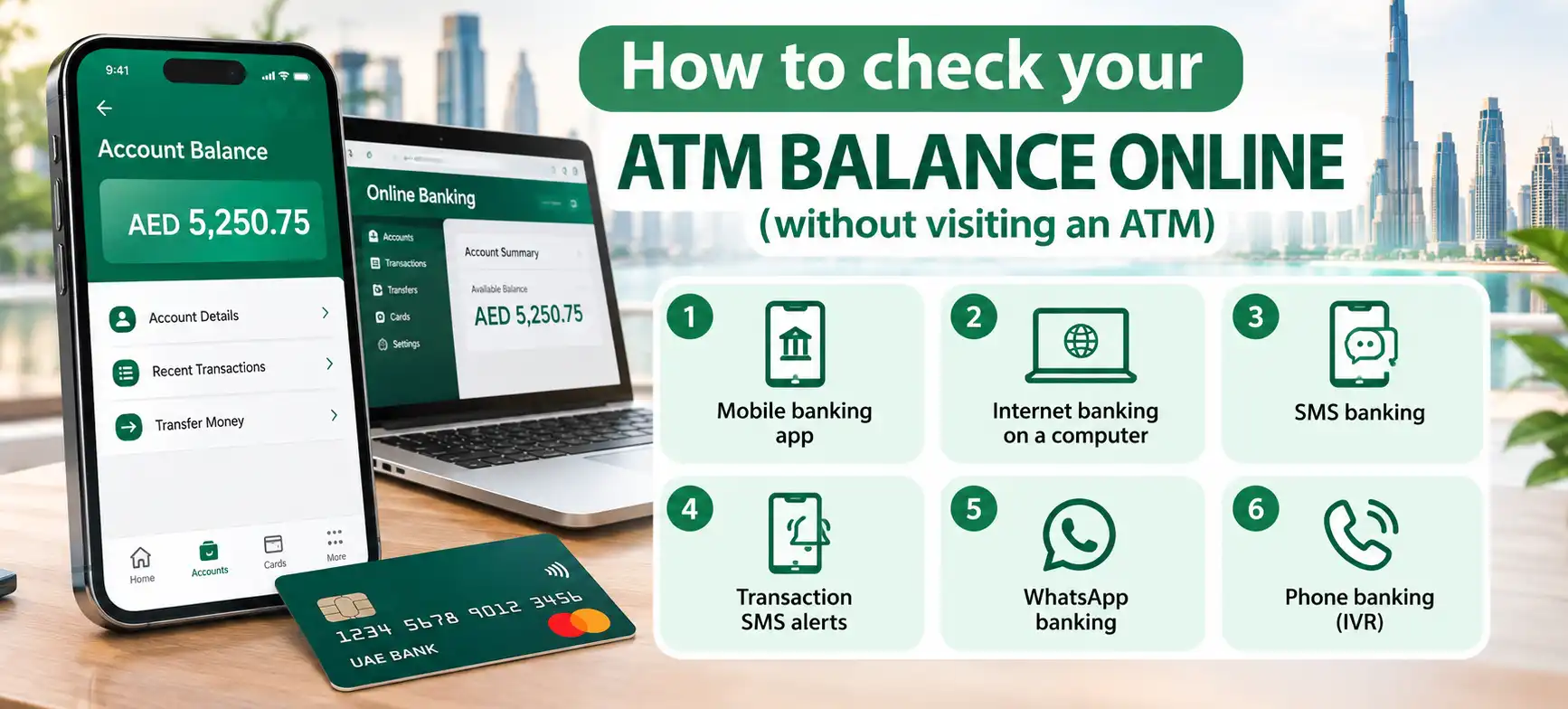
An online ATM balance inquiry means checking the balance linked to your ATM card through a digital channel. You do not need the card in hand. You only need access registered with your bank.
1. Mobile banking app
This is the method most UAE residents use daily.
- Download your bank’s official app from the App Store, Google Play, or Huawei AppGallery. Search by the bank’s exact name and check the publisher.
- Register using your debit card number, Emirates ID, or account number, plus the OTP sent to your registered mobile.
- Log in with your PIN, Face ID, or fingerprint.
- Your balance appears on the home screen. Tap the account to see pending and completed transactions.
Many apps also let you hide the balance on the home screen, freeze a card, change your PIN, and set spending alerts. If you bank with First Abu Dhabi Bank, our guide to the FAB balance check online walks through the FAB Mobile screens. Not a customer yet? FAB Online Bank Account Opening lets you open an account fully digitally with your Emirates ID.
2. Internet banking on a computer
Log in to your bank’s website, open Accounts, and your available balance shows next to each account. Internet banking suits people who want to download statements, export transactions, or review a full month at once.
If you bank from home, keep your Wi-Fi router secure too. Changing the default admin password through the router’s settings page (for many home routers in the UAE, that is, the 192.168.70.1 Login page) reduces the risk of someone snooping on your network.
3. SMS banking
Most UAE banks let you request a balance by sending a short keyword to the bank’s SMS number from your registered mobile. The bank replies with your available balance in seconds. Keywords and numbers differ by bank, so check the SMS banking page on your bank’s website or the back of your account welcome kit.
SMS banking needs an active mobile line with credit or a valid plan. If replies stop arriving, check your line first. Our guides on Du balance check and how to check balance in Etisalat show how to confirm your mobile balance in a few seconds.
4. Transaction SMS alerts
UAE banks send an SMS after every card transaction. Most alerts include your remaining available balance at the end of the message. Scroll back to your latest bank SMS, and you often have your balance without doing anything else.
5. WhatsApp banking
Several large UAE banks now offer verified WhatsApp banking. You save the bank’s official number, send a greeting such as “Hi,” verify yourself, and choose Balance from the menu. Look for the green verified badge next to the bank’s name before you share anything.
6. Phone banking (IVR)
Call the customer service number printed on the back of your card. The automated menu lets you hear your balance after you enter your card number and phone PIN (TPIN). This option helps people who are not comfortable with apps.
Credit card balances
A credit card shows two figures: the outstanding amount you owe and the available limit you can still spend. Check both in the app before a large purchase. If you plan to switch cards, compare the Best Cashback Credit Cards in the UAE to earn money back on spending you already do.
ATM balance check for salary and prepaid cards
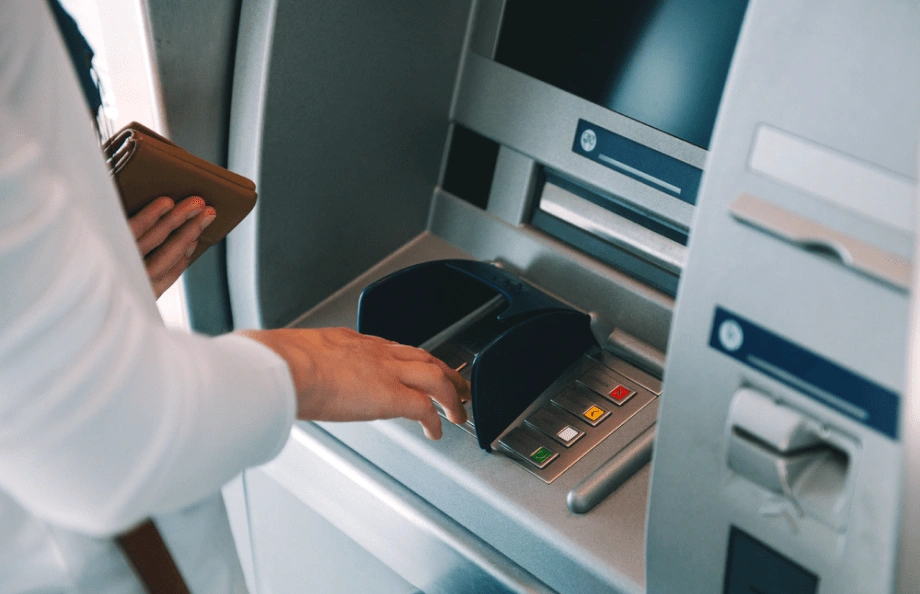
Many workers in the UAE receive salary on a prepaid payroll card under the Wage Protection System (WPS) instead of a bank account. These cards work at ATMs, but they belong to an exchange house or card program, not always a bank. That changes where you can check the balance for free.
Why salary cards behave differently
- No full bank account. The card holds your salary balance only, so there is often no internet banking login.
- Partner ATMs matter. The card provider partners with specific banks. Their ATMs may let you check for free, while others charge.
- The card provider runs the app. You check the balance through the provider’s app or website, not a regular bank app.
Lulu’s salary card
Lulu Exchange issues one of the most widely used WPS cards in the UAE. You can check the balance through the Lulu Money app, Lulu’s card balance web page, or a partner ATM. Our Lulu Balance Check the guide covers each method step by step, including what to enter on the web form.
Ratibi card (FAB)
Ratibi is First Abu Dhabi Bank’s payroll card for employees whose salary is below the threshold for a regular account. Cardholders can check the balance at FAB ATMs, through FAB’s prepaid card portal, or via SMS on the registered number.
Al Ansari and other exchange house cards.
Al Ansari Exchange, Al Fardan, and other exchange houses also issue payroll cards. Each provides an app or online portal where you enter the card number and registered mobile number. Check the back of your card for the support number and website.
Practical tip for salary card holders
Ask your HR team which bank’s ATMs are free for your card. Save that information and the provider’s app on your phone on the first day. This one step saves both money and stress on salary day, when ATM queues are longest.
Available balance vs current balance: why your ATM balance looks wrong

The ATM usually shows your available balance, the money you can spend right now. Your app may also show a current or ledger balance, the amount after all completed transactions. The two often differ for a day or two.
| Term | What it means | Use it for |
| Available balance | Money you can withdraw or spend now, after holds | Deciding how much cash to take out |
| Current or ledger balance | Balance after fully settled transactions only | Checking your statement and records |
| Blocked or held amount | Money reserved but not yet settled | Understanding a gap between the two |
Common reasons for a difference
- Pending card payments. A restaurant or online purchase can sit as a hold before it settles.
- Hotel and car rental deposits. Hotels and rental companies often block a security deposit, and the release can take several working days after you return.
- Fuel station pre-authorizations. Pay-at-pump can hold a larger amount than you actually spend.
- Cheque deposits not yet cleared. The money shows in the ledger but not as available.
- Salary arriving on a holiday or weekend. It may land in the next working-day cycle.
Example
You have AED 5,000 in the account. You check into a hotel that blocks AED 1,000 as a deposit, then buy groceries for AED 200 that are still pending. The ATM shows an available balance of AED 3,800, while your ledger balance may still read AED 5,000 until the transactions settle. Nothing is missing. The money is simply on hold.
What to do when the ATM will not show your balance

Match the message on the screen to the likely cause, then try the fix.
| Problem on screen | Likely cause | What to do |
| “Service not available” | The ATM does not support inquiries for your card network | Use your own bank’s ATM or the app |
| “Invalid PIN” | Wrong PIN entered | Stop after two tries; three wrong entries usually block the card |
| “Card blocked” or card retained | Too many wrong PINs, expired card, or security block | Call your bank’s 24/7 number to unblock or replace |
| “Unable to process” | Network or bank system downtime | Wait 15 to 30 minutes or check the app |
| Balance looks too low | Pending holds or deposits | See the available vs current balance section |
| No receipt printed | Paper roll empty | Choose on-screen display instead |
| Card not recognized | Damaged chip or magnetic strip | Try contactless, then request a replacement card |
If an ATM keeps your card
Do not leave the machine immediately. Call your bank from the ATM location so they can note the machine ID. Most banks block the retained card and issue a replacement. If the ATM belongs to another bank, your own bank still handles the replacement.
If money leaves your account without a transaction you recognize
Call your bank and block the card through the app right away. Then report the disputed transaction in writing through the app or branch. Keep your ATM receipts and screenshots of SMS alerts as evidence.
Safety tips for ATM and online balance checks
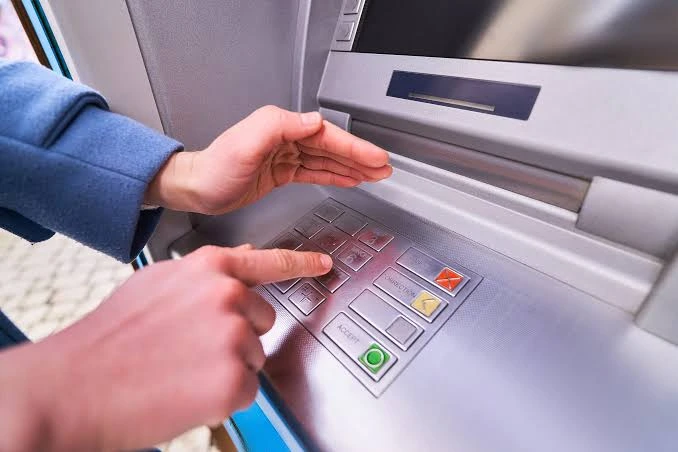
Balance checks look harmless, but a stolen PIN or a fake app gives fraudsters full access to your money.
At the ATM
- Inspect the card slot and keypad. Loose parts or a bulky slot can mean a skimming device.
- Cover the keypad with your hand every time you enter your PIN.
- Refuse help from strangers, even if they say the machine is faulty.
- Choose ATMs inside banks, malls, or well-lit areas, especially at night.
Online and on your phone
- Download apps only from official stores, and confirm the bank’s name as the publisher.
- Never share your OTP, the PIN, CVV, or app password. UAE banks do not ask for these by phone, SMS, or WhatsApp.
- Ignore calls claiming your card or Emirates ID is blocked and asking you to “verify” details. This is one of the most common scams in the UAE.
- Avoid checking your balance on public Wi-Fi without mobile data or a trusted network.
- Turn on biometric login and transaction alerts in your bank’s app.
If you suspect fraud, block the card in your app first, then call your bank. Speed limits the damage.
Frequently asked questions
How do I check my ATM card balance online?
Log in to your bank’s mobile app or internet banking. Your available balance appears on the home or accounts screen. For salary and prepaid cards, use the card provider’s app or web portal with your card number and registered mobile number.
Is online ATM balance inquiry free in the UAE?
Yes. Checking your balance through your bank’s app, internet banking, or WhatsApp channel is free at all major UAE banks. Only a physical inquiry at another bank’s ATM carries a fee.
How much does a balance inquiry cost at another bank’s ATM?
At most banks, about AED 1 plus VAT inside the UAE, such as AED 1.05 at Emirates NBD. Some account types charge more, such as AED 2.10 on ADCB’s Universal Account. GCC and international ATMs cost more.
Can I check my balance at any ATM in Dubai?
Yes. Any ATM connected to the UAE Switch network accepts UAE debit cards for a balance inquiry. Your own bank’s ATMs are free, while others usually charge a small fee.
Can I check my bank balance without internet?
Yes. Use an ATM, send an SMS balance request from your registered mobile, read your latest transaction SMS alert, or call your bank’s phone banking line.
Can I check my balance without my ATM card?
Yes. Use the mobile app, internet banking, SMS, WhatsApp, or phone banking. Some banks also support cardless ATM access by QR code or phone wallet.
Why is my ATM balance different from my app balance?
The ATM shows your available balance after holds. The app may also show the ledger balance, which includes amounts not yet released. Pending card payments, hotel deposits, and uncleared checks cause most differences.
How often can I check my balance?
As often as you like through the app or your own bank’s ATM, at no cost. Frequent checks at another bank’s ATM add up, since each one carries a fee.
Is it safe to check my balance at an ATM?
Yes, if you check the machine for tampering, cover your PIN, and avoid help from strangers. ATMs inside bank branches and malls are the safest choice.