
How to Check Balance in Etisalat

Etislat, which is now known as e& UAE, is the leading Emirati telecom company offering mobile, internet, and digital services. If you are also an Etisalat customer, you can easily check your Etisalat balance.
Whether you are a prepaid or a postpaid user, checking your Etisalat balance is very important. For prepaid users, it is necessary to prevent running out of credit and incurring high pay-as-you-go rates. However, for postpaid, it helps track usage against allowances.
Another important aspect of checking the Etisalat balance is that you can take into account enough credit for calls. Additionally, it allows you to decide when to upgrade your plan or add packages for better value. In this guide, you will explore step-by-step methods to check your Etisalat balance effectively.
How Prepaid Users Can Check Etisalat Balance
Etisalat prepaid users are those who buy data/minutes plans before using them, which means they use the “Pay First Use Later” policy. These users can check their Etisalat balance in these ways:
Quick Dial Codes (USSD)
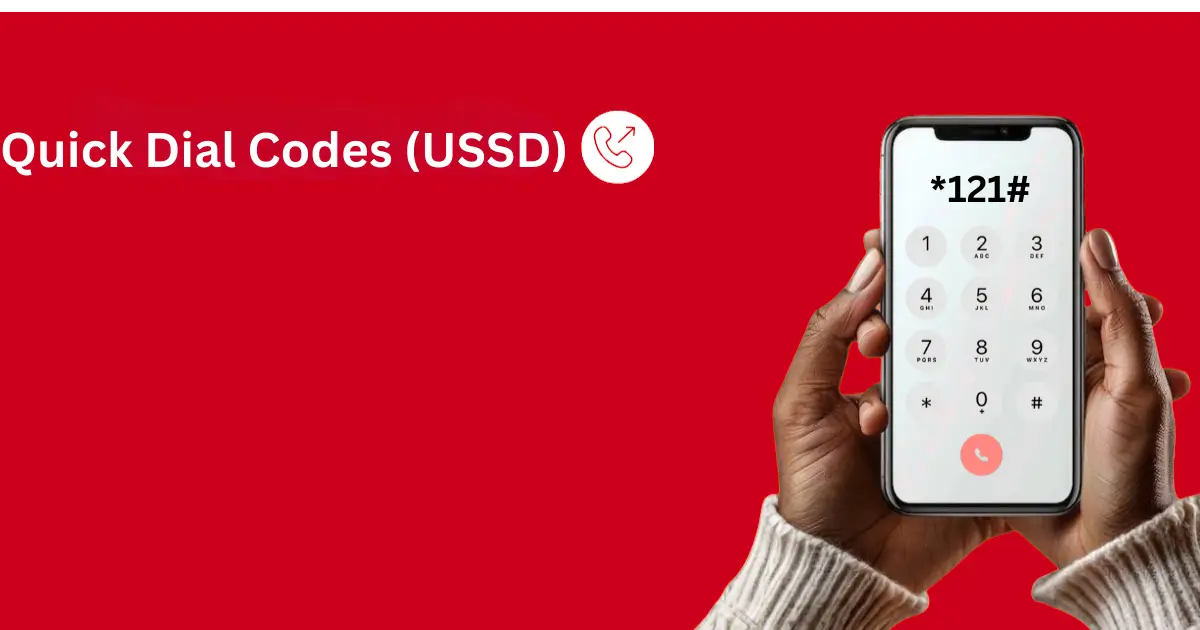
Using USSD codes is the fastest way to check your Etisalat Balance. In this method, you do not need any credit or mobile data for a balance enquiry. Simply follow these steps:
- Open your phone dialer
- Dial *121# for general balance inquiry
- Dial *170# for data balance.
- *140# is used for data/flexi minutes.
- You can dial *101# to find prepaid offers and promotions
- After dialing, you will receive details on your phone screen
- You will also receive a message with your balance details
Using the My Etisalat UAE App
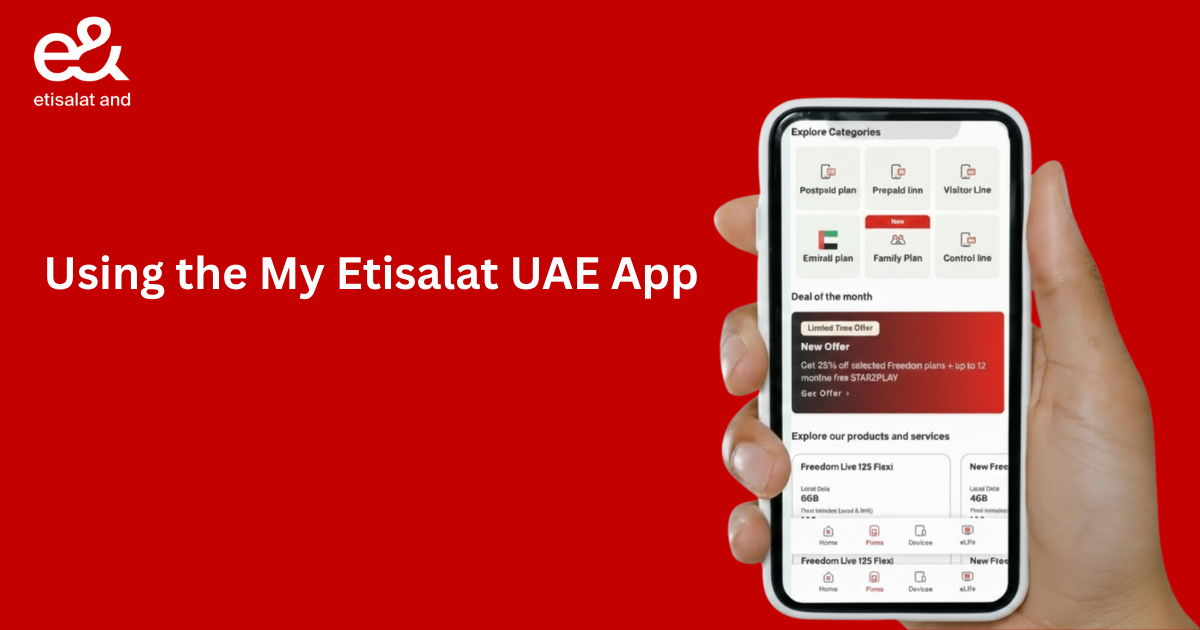
My Etisalat UAE App is another simple way to check your Etisalat balance. However, this method required a data connection. Connect your mobile/wifi data and follow these steps:
1. Download or Install the App
Ensure you have the official e& UAE app installed on your smartphone. It is available on the Google Play Store and Apple App Store.
2. Open the App
Tap the e& UAE app icon on your phone to open it.
3. Log in to Your Account
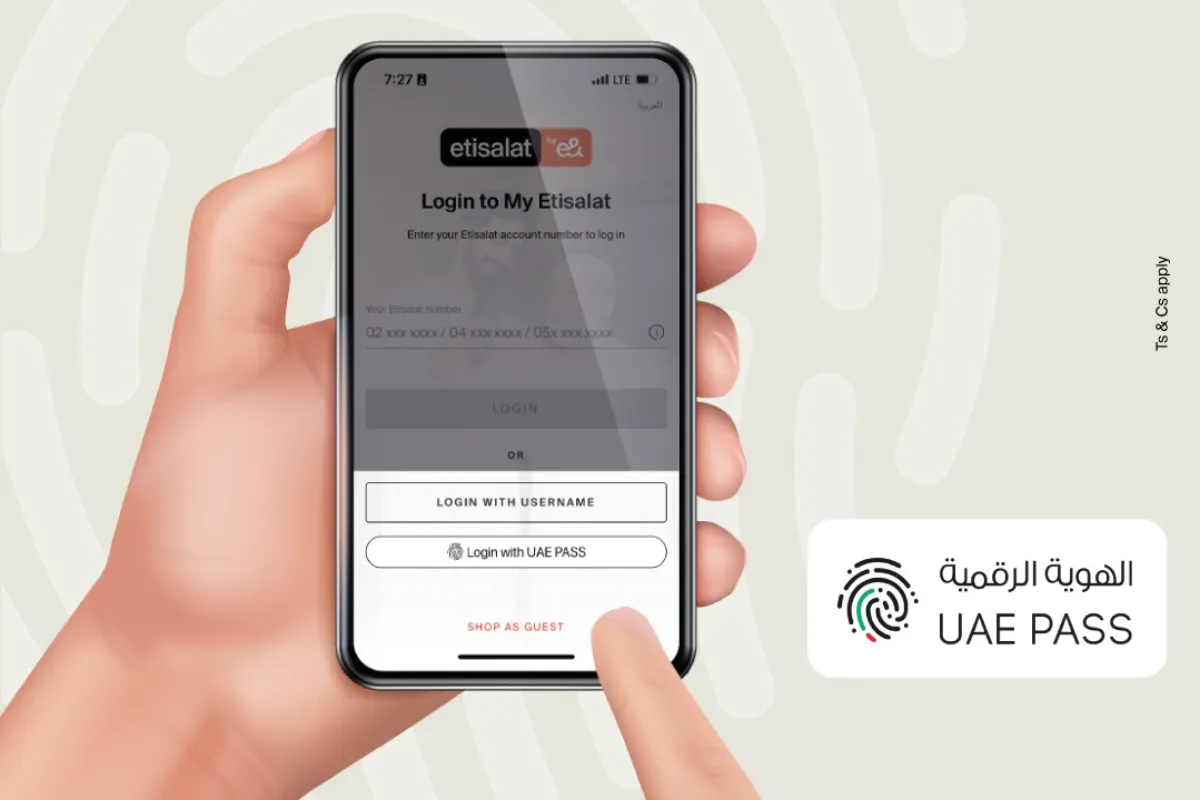
If you are a new user, you will need to register by entering your Etisalat mobile number. Then follow the on-screen instructions to verify it with an SMS code.
If you are already registered, log in using your mobile number and password or a one-time password (OTP) sent via SMS.
4. Navigate to the Dashboard
After logging in, you will be directed to the app’s home screen or dashboard.
5. Locate the Balance Information
Your current balance will be prominently displayed on the main page. You can also see your remaining data, minutes, and SMS allowances.
6. View Detailed Breakdown
For a more detailed view, tap the section that displays the balance information. You can also navigate to the “Usage” or “Bills” tab for comprehensive details on all your active add-ons and consumption.
Using the Etisalat Web Portal
If your Etisalat UAE app is not working, you can check your balance on the official Etisalat web portal. For this method, follow these steps:
- Open your web browser and navigate to the official Etisalat UAE website.
- Locate the “My Account” or “Sign In” option, typically found in the top menu or on the right side of the webpage, and click on it.
- Enter your login details. You will be prompted to enter either your Etisalat mobile number or landline number.
- Complete the sign-in process by entering the one-time password (OTP) sent to your registered mobile number via SMS. You can also use your UAE Pass credentials if you have them set up.
- Once successfully logged in, you will be directed to your account dashboard, which typically displays an overview of your services.
- View your balance information. Your current balance (for prepaid) will be prominently displayed on the main dashboard or under a specific section like “Account Details,” “My Accounts,” “Balance,” or “Usage.
- For a more detailed breakdown of your data, minutes, and other package allowances, navigate to the “Usage” or “Bills” tab.
How Postpaid Users Can Check Etisalat Balance

Etisalat postpaid users are those who get services like data, calls, SMS, and pay for them at the end of a monthly bill cycle. They use the “Use First, Pay Later” policy. These users can check their Etisalat Balance in the following ways:
Quick USSD Codes and SMS Methods
Etisalat postpaid users can check their balance quickly by dialling these USSD codes or SMS.
- Dial *101# or *140# for general balance check
- For data balance dial *170# or text “DATA” to 1010
- For plan details, text “NP” to 1012
- Text “NP Balance” to 1012 for balance allowances.
Through the Etisalat Web Portal
Just like prepaid users, postpaid users can also verify their balance and account details by logging in to their account on www.etisalat.ae. Follow the similar steps given above.
Through e&UAE and My Etisalat UAE App
Download the app to see a full overview of your balance, usage, allowances, and bills. You can easily download or log in to this app by following the same method given above for prepaid users.
Check Etisalat Balance via Customer Care Helpline
If there is any confusion related to your current balance or you want to verify your account details, then you can talk to Etisalat customer care. This is another method that both prepaid and postpaid users can use for the Etisalat balance inquiry. This method involves speaking directly to a representative or using an automated interactive voice response (IVR) system.
Dial the Helpline Number
From your Etisalat (e& UAE) mobile phone, dial 101. This call is free of charge within the UAE. If you are calling from a non-Etisalat number within the UAE, dial 800 101.
If you are roaming internationally and need to check your balance, you can call +971 400 444101 (international calling rates will apply).
Navigate the IVR Menu
Listen carefully to the automated voice prompts. Often, you will be asked to select your preferred language.
Select Balance Inquiry
Follow the instructions to reach the specific menu for checking your balance and usage details. For postpaid customers, this usually involves options for bill summaries or allowance inquiries. For prepaid users, it will provide credit information.
Provide Verification
The system might ask for verification information. It may require you to enter your account number, phone number, or a security PIN for verification.
Listen for Your Balance
The automated system will usually state your current balance, amount due, and due date.
Speak to a Representative (if needed)
If the automated system doesn’t provide the necessary information, follow the prompt to “Speak to an agent” or “Customer service representative.
Verify Your Identity
The agent will ask you security questions to confirm you are the account holder before providing detailed balance information.
Get Your Details
The agent will listen to your query and provide you with detailed information related to your balance usage.
Conclusion
Checking your Etisalat balance is necessary for managing costs and avoiding service interruptions. everlist.ae also helps you in making informed decisions about your plan, preventing surprise charges. In this way, prepaid users timely recharge their accounts, and postpaid users control spending. Above, we explain all the methods in steps to help you check your Etisalat balance easily. Both prepaid and postpaid users can find effective ways to check their Etisalat balance with data or without data. It helps optimise data/minute, provides peace of mind, and ensures you stay connected without unexpected bills or service cuts.