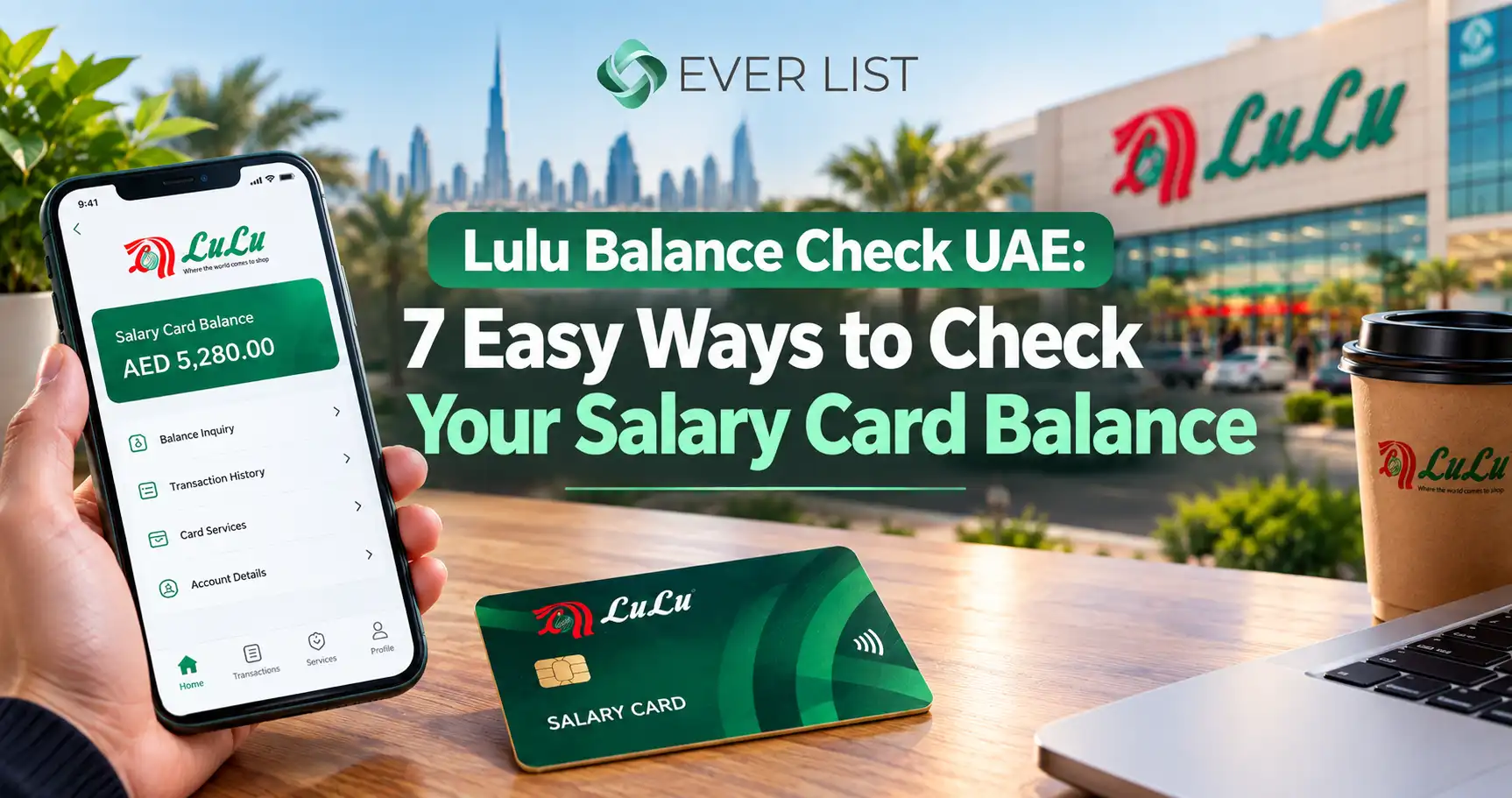
Lulu Balance Check UAE: 7 Easy Ways to Check Your Salary Card Balance

Lulu Balance Check UAE 7 Easy Ways to Check Your Salary Card Balance

The easiest Lulu balance check is through the Lulu Money app. Log in and tap “LuLu Money Cards” on the home screen. Your available balance shows at the top of the page. You can also go online through the official Lulu Money website, check at an ATM with your PIN, call Lulu customer care on 600 522 204, or visit any Lulu Exchange branch.

Payday is here, and you want to know one thing. Has my salary arrived? This guide shows every trusted way to check your Lulu card balance in the UAE. It also explains what to do when the balance looks wrong.

We based each step on Lulu Exchange’s official FAQ. Where a method is not confirmed by Lulu, we say so clearly.

What Is a Lulu Balance Check?
What Is a Lulu Balance Check

A Lulu balance check means seeing how much money is on your Lulu card. For most people in the UAE, this is the Lulu salary card.

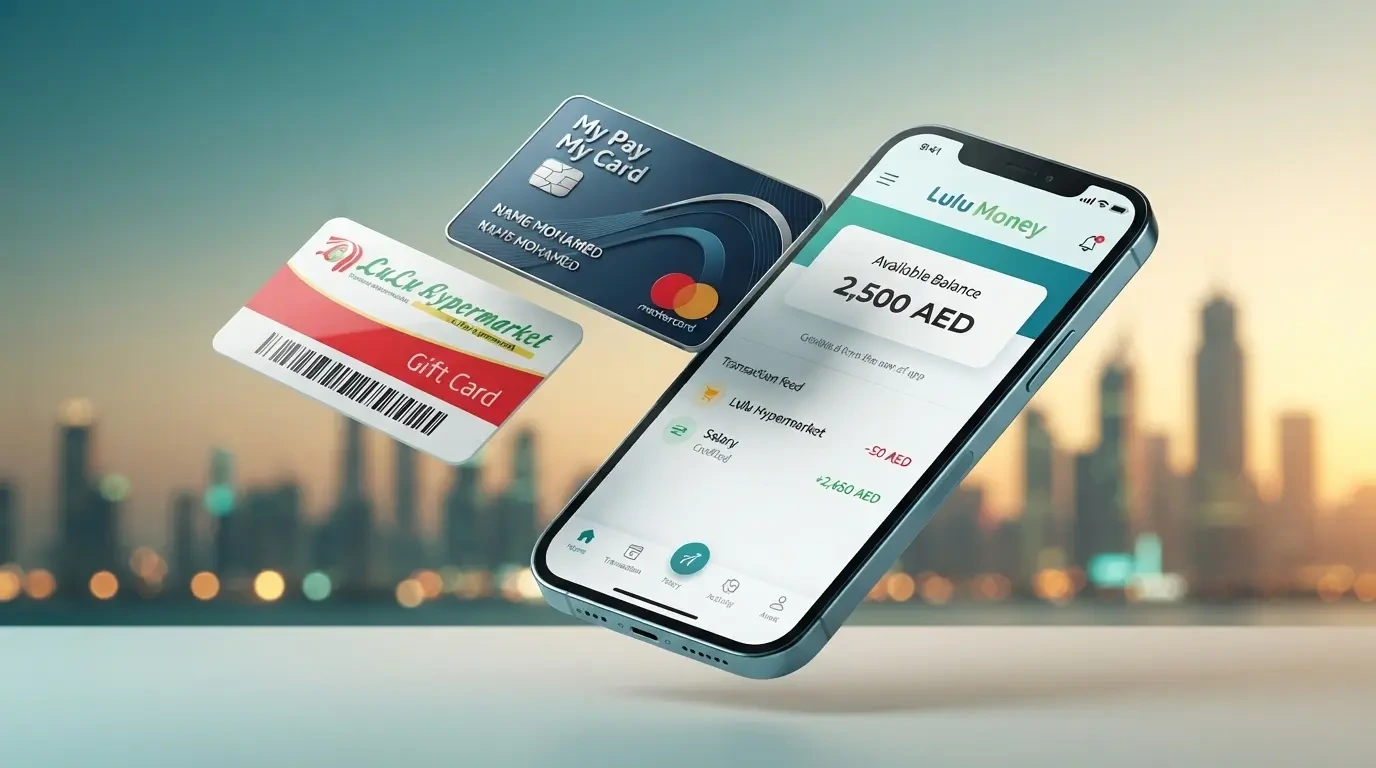
The salary card is called My Pay My Card. It is a salary payment product from LuLu Exchange. It follows the Wages Protection System (WPS), which was set up by the UAE Ministry of Labour and the UAE Central Bank.

Your employer loads your monthly wages onto this card. You don’t need a bank account to use it. You can withdraw cash, shop, and send money home.

Each MyPay customer gets a LuLu Money salary card, which is powered by Mercury. You can manage it inside the Lulu Money app.

First, Know Which Lulu Card You Have

Many people search “Lulu balance check” but hold different cards. Each card uses a different checking method. Look at the logo and name on your card first.

Card or Account What It Is For How to Check Balance
My Pay My Card (Lulu salary card) Monthly salary under WPS Website, Lulu Money app, ATM, customer care, branch
Lulu Money remittance account Sending money abroad Lulu Money app or website
Lulu Hypermarket gift card Shopping at Lulu stores Store customer service desk or cashier
Lulu Happiness points Shopping rewards Lulu Hypermarket app

Tip: If your card shows a bank logo, like FAB, your card may come from that bank. In that case, use the bank’s own balance channel. Ask your HR team if you are not sure.

Method 1: Lulu Balance Check via Website

Many people like a bigger screen. You may want to check your salary on a laptop at home or at work. This section explains how the website option works and what to watch out for.
Lulu Balance Check via Website

Official Lulu Websites You Can Trust

Only use these two official websites for anything linked to your Lulu card.

Website What It Is What You Can Do There
www.lulumoney.com The digital platform of Lulu Exchange Access Lulu Money services, read the official FAQ, download the app
www.luluexchange.com The main Lulu Exchange website Find branches, check opening hours, read about services

Any other website is not run by Lulu. It cannot show your real balance, even if it says it can.

How to Do a Lulu Balance Check Online Through the Website

  1. Open your browser on a laptop, computer, or phone.
  2. Type www.lulumoney.com yourself in the address bar. Do not click a link from an SMS or WhatsApp message.
  3. Choose UAE as your country from the menu at the top.
  4. Look for the Login or Sign In option.
  5. Enter your registered mobile number or customer number.
  6. Enter your Lulu Money PIN or password.
  7. Type the OTP sent to your registered mobile number.
  8. Open My Cards or LuLu Money Cards.
  9. Select your salary card to see your available balance and recent transactions.
  10. Log out when you finish, especially on a shared computer.

Your website login details are the same as your Lulu Money account. So you must register and complete KYC first. The steps for this are in Method 2 below.

What Lulu Officially Confirms About the Website

Here is something most guides do not tell you. Lulu’s official UAE FAQ explains balance checks only through the Lulu Money app. It does not describe a separate balance page on the website.

Some websites describe a portal where you enter your card number, date of birth, and a CAPTCHA code. Others mention a “Wage Salary Administration” portal. We could not confirm either of these from any official Lulu source.

What this means for you:

  1. If you see a login option on lulumoney.com, use it with your normal Lulu Money details.
  2. If you cannot find a login option, the website may not offer balance checks for your card. Use the app instead.
  3. Call 600 522 204 to ask if web access is available for your salary card.

Is There a Portal for Employers?

Companies that pay salaries through Lulu may use a separate payroll system to upload salary files. That system is for the employer, not for workers. As an employee, you only need your own Lulu Money login to check your salary.

If your HR team says your salary was sent, ask them for the upload date. Then check your balance through the app or website.

Website or App: Which Is Better?

Feature Website Lulu Money App
Screen size Large, easy to read Small
Balance steps listed in Lulu’s official FAQ No Yes
Card controls like lock, block, and PIN change Not confirmed Yes
Statement download Not confirmed Yes
Best for Quick checks on a computer Daily checks and full card control

The app is the safer choice for most people. The website is handy when your phone is not with you.

Signs of a Fake Lulu Balance Website

Scammers build pages that look like Lulu. They steal card details and drain salary cards. Leave the page at once if you notice any of these signs:

  1. The web address is not lulumoney.com or luluexchange.com.
  2. The page asks for your full card number, PIN, and CVV together.
  3. The page asks for an OTP you did not request.
  4. You reached the page through a link in an SMS, email, or WhatsApp message.
  5. The page promises to check “any salary card balance” without a login.
  6. The page has spelling mistakes or blurry Lulu logos.

Tips for a Safe Website Check

  1. Check for the padlock icon next to the web address.
  2. Bookmark the official website so you never need to search for it again.
  3. Use private browsing on shared or office computers.
  4. Never save your password on a public computer.
  5. Clear the browser history after using a shared computer.

Method 2: Lulu Money App Balance Check (Best Option)

The Lulu Money app is the official way to do a Lulu salary card balance check online. It is free to download. It shows your live balance and full transaction list.

Who Can Use the App

You must be over 21 and a UAE resident to use the app. You also need a valid Emirates ID and the mobile number linked to your card.
Lulu Money App Balance Check (Best Option)

How to Register

  1. Download LuLu Money from the Google Play Store, Apple App Store, or Huawei AppGallery.
  2. Tap Sign Up.
  3. Enter your email, mobile number, and Emirates ID.
  4. Type in the OTP sent to your phone.
  5. Complete your KYC check.

For KYC, you have two choices. You can verify online through UAE PASS or visit a LuLu Exchange branch with your original Emirates ID. The branch option is useful if UAE PASS is not set up on your phone.

How to Check Your Balance in the App

  1. Open the Lulu Money app and log in with your PIN.
  2. Tap LuLu Money Cards on the home page. You can also open My Cards from the More menu.
  3. Your card appears at the top of the My Cards page with the available balance.

That’s it. The whole check takes less than a minute.

How to See Your Transaction History

Your balance alone may not tell the full story. The history shows where your money went.

  1. Open the My Cards page.
  2. Tap Transaction History or View All.
  3. Filter by day, week, month, or a custom period. You can also view only ATM, POS, or credit transactions.

The “Credit Transaction” filter is handy on payday. It shows only money coming in, so you can spot your salary fast.

Method 3: Lulu ATM Balance Check

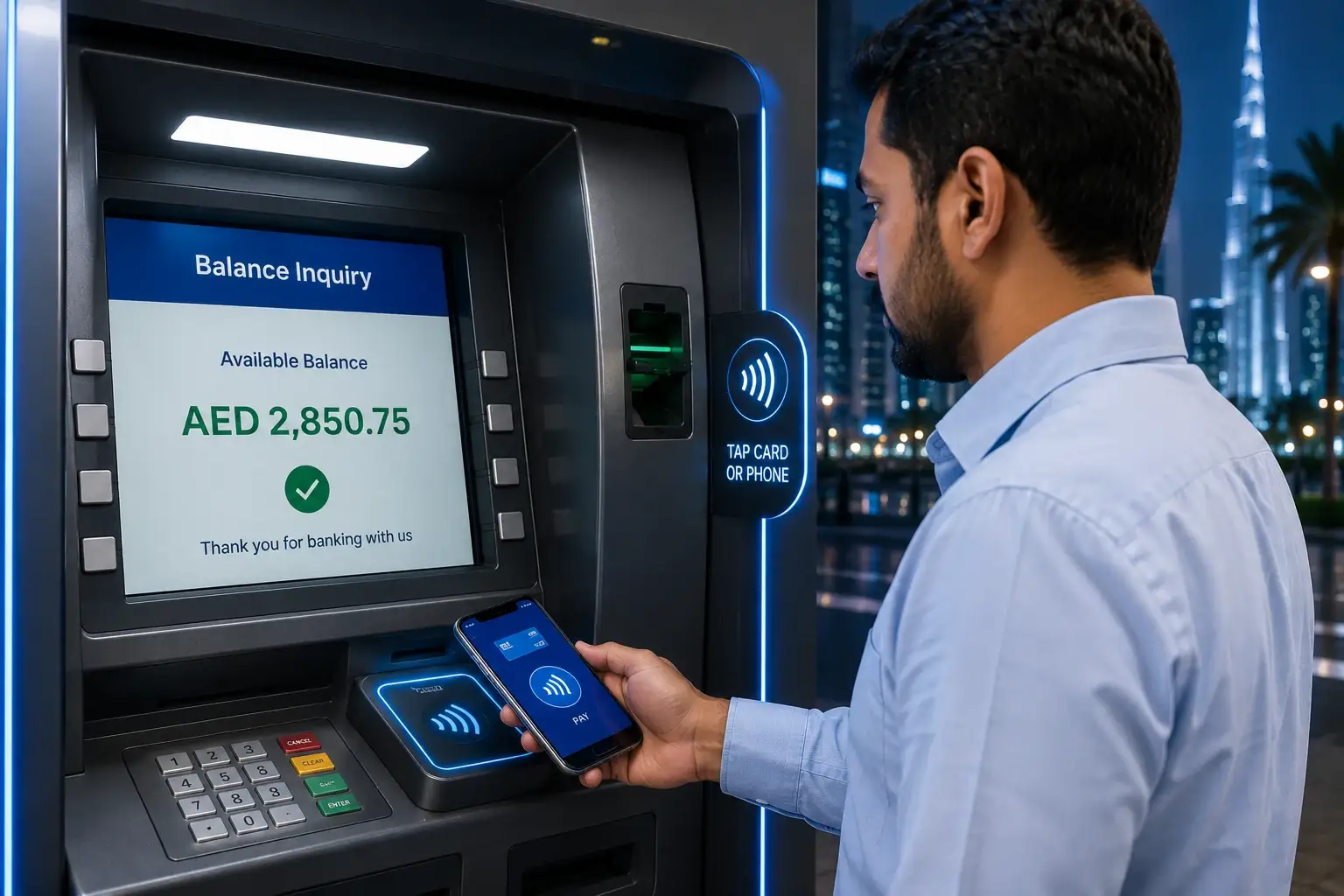
A Lulu ATM balance check works well when you are already withdrawing cash. You don’t need internet or an app.
Lulu ATM Balance Check

Steps

  1. Insert your Lulu salary card into the ATM.
  2. Choose your language.
  3. Enter your 4-digit card PIN.
  4. Select Balance Inquiry.
  5. Read the balance on screen or print a receipt.
  6. Take your card back before you leave.

Which ATMs Work?

Your card works at many ATMs across the UAE. Some third-party guides list Emirates NBD, Emirates Islamic, and Mashreq ATMs as supported. However, Lulu has not published a fee list for each bank’s ATMs.

Our advice: Call Lulu customer care once and ask which ATMs are free for your card. This one call can save you small fees every month.

Method 4: Lulu Customer Care Balance Inquiry
Lulu Customer Care Balance Enquiry

If your phone has no internet, call the helpline. This works well for a quick Lulu balance inquiry or card problem.

Contact Details
Phone (UAE) 600 522 204
Phone (from abroad) +971 600 522 204
Email customercare@ae.luluexchange.com

These contact details come from Lulu Money’s official FAQ page.

Steps

  1. Call 600 522 204 from your registered mobile number.
  2. Follow the voice menu or ask for an agent.
  3. Answer the security questions.
  4. Hear your balance.

Important: The agent may ask questions to confirm your identity. Real Lulu staff will never ask for your PIN or OTP.

Method 5: Visit a Lulu Exchange Branch

A branch visit is best when something is wrong. Use this option if you forgot your PIN, changed your number, or the app keeps failing.

Many Lulu Exchange branches sit inside Lulu Hypermarkets. Some stay open late into the evening. Check the official branch locator on luluexchange.com for hours near you.

What to Bring

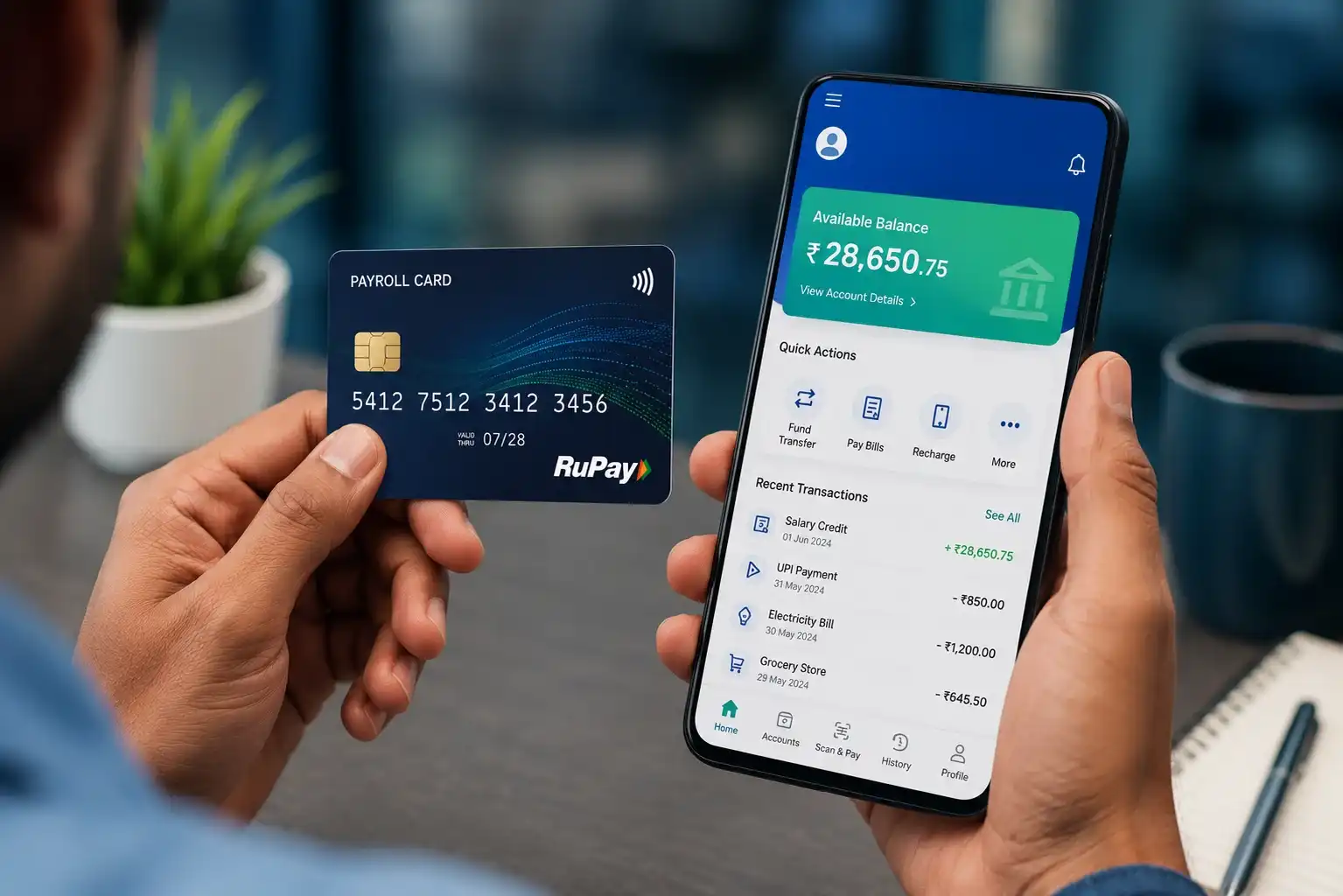
  1. Your Lulu salary card
  2. Your original Emirates ID
  3. Your registered mobile phone

Ask the counter staff for a balance check. You can also ask for a printed mini statement.

Method 6: The Lulu SMS Balance Check (Read This First)

Many websites say you can text BAL and your card number to 51199. This is often called the Lulu salary check number.

The Lulu SMS Balance Check

Here is the honest truth. Lulu’s official UAE FAQ does not list this SMS service. We could not confirm it from any Lulu source.

What this means for you:

  1. The service may work for some users, but it is not officially documented.
  2. Sending your full card number by SMS carries some risk.
  3. Never send card details to any number you received in an unknown message.

Our advice: Before you use SMS, call 600 522 204 and ask if it is active for your card. If they confirm, use it only from your registered number.

Method 7: Check Your Balance When You Pay

This is a simple trick many workers use. Every ATM withdrawal receipt usually prints your remaining balance.

Check Your Balance When You Pay

After a purchase or withdrawal, keep the receipt. It gives you a free, instant update without any extra step.

Comparison: Which Lulu Balance Check Method Is Best?

Method Needs Internet Speed Best For Official Source
Lulu Money website Yes Instant Checks on a computer Website is official, web balance steps not listed in FAQ
Lulu Money app Yes Instant Daily checks and history Yes
ATM No About 1 minute Cash users Card works at ATMs
Customer care call No A few minutes No smartphone or internet Yes
Branch visit No 5 to 20 minutes PIN, number or card problems Yes
SMS 51199 No Varies Basic phone users Not confirmed
Receipt check No Instant After each withdrawal Not applicable

Our pick: Use the app for daily checks. Keep the helpline number saved for emergencies.

Other Useful Things You Can Do in the Lulu Money App

Most guides stop at the balance. Yet the app can solve many problems without a branch visit.

Download Your Salary Card Statement

You may need a statement for a visa, rent, or loan application.

  1. Go to Transaction History.
  2. Tap Get Statement.
  3. Pick a period and tap Proceed.
  4. Download or share the PDF.

A one month statement is free. Longer periods carry a charge. So download your statement every month to avoid fees later.

Raise a Dispute for a Wrong Charge

See a charge you don’t recognise? Tap that transaction in your history. Then select Raise Dispute, choose a reason, and add your comments.

Do this quickly. It is easier to fix recent problems.

Lock or Block a Lost Card

If you misplace your card, lock it right away from the My Cards page. Locking needs an OTP, and you must unlock the card before using it again.

If the card is truly lost or stolen, use Block and Replace Card instead. A replacement fee is deducted from your account.

Change Your Card PIN

Open My Cards, tap Change/Set Card PIN, and verify with the OTP. Then enter and confirm your new PIN.

Set Spending Limits

You can set daily, weekly, or monthly limits for each payment type. This helps you control spending. It also limits damage if someone steals your card details.

Withdraw Cash Without Your Card

The app has a Generate Cash Withdrawal Token option on the My Cards page. Ask a branch how to use it if you have never tried it.

Salary Not Showing on Your Lulu Card? Do This

This is the biggest worry for most cardholders. Follow these steps in order.

Step 1: Wait a Little

Your employer sends the salary file through WPS. The money then moves to your card. This can take some time after your employer submits payroll.

Step 2: Check the Credit Filter

Open Transaction History and filter by Credit Transaction. This removes spending from the list, so a salary credit is easy to see.

Step 3: Ask Coworkers

Did your coworkers get paid? If nobody got paid, the delay likely sits with your employer. If only you did not get paid, the issue may be with your card.

Step 4: Contact Your HR Team

Ask HR for the date they uploaded the salary file. Also confirm they have your correct card details.

Step 5: Call Lulu Customer Care

Call 600 522 204 with your card and Emirates ID ready. Ask them to check for any pending or returned salary credit.

Step 6: Know Your Rights

The WPS protects workers’ wages in the UAE. If your employer keeps delaying pay, you can raise the matter with the Ministry of Human Resources and Emiratisation (MOHRE). Visit mohre.gov.ae or use the MOHRE app for official help.

Common Lulu Balance Check Problems and Fixes

The App Will Not Log In

Tap Forgot PIN on the login page. Enter your registered mobile number, type the OTP, and set a new 4 digit PIN.

The App Asks Me to Complete KYC Again

Your Emirates ID on file may have expired. Tap the yellow KYC banner and verify through UAE PASS. You can also visit a branch with your new Emirates ID.

My Card Does Not Show in the App

Your card may not be activated yet. You can activate it in the app through OTP verification, an automated IVR call, or customer support.

I Am Not Getting the OTP

Your mobile number may have changed. Visit a Lulu Exchange branch with your Emirates ID to update it. This usually cannot be done by phone, for your own safety.

The ATM Rejected My Card

Try a different ATM first. Check that the chip is clean and undamaged. Make sure your card is not locked in the app. If the problem continues, call customer care.

My Balance Seems Lower Than Expected

Check your history for ATM fees, card purchases, and money transfers. Also look for pending transactions. If you still see an unknown charge, raise a dispute in the app.

Lulu Gift Card and Happiness Points Balance

Lulu Hypermarket Gift Card

Lulu Hypermarket gift cards are shopping cards. They are not linked to Lulu Exchange or your salary card.

To check a gift card balance:

  1. Visit the customer service desk at any Lulu Hypermarket.
  2. Or ask the cashier to check it before you pay.
  3. Keep your last receipt, since it often shows the remaining value.

Terms can differ by card. Always read the terms printed on your card or in your e-gift email. Check the expiry date and use your balance before it runs out.

Lulu Happiness Points

Using the Lulu Money app can also earn you shopping rewards. Customers who transact on Lulu Money receive Happiness points, which they can view and redeem in the Lulu Hypermarket app.

To see your points, log in to the Lulu Hypermarket app with the same mobile number you use for Lulu Money.

How to Keep Your Lulu Card Safe

Scammers often target salary card users in the UAE. These simple habits protect your money.

  1. Download only the official app. Get it from the official app stores. Call 600 522 204 if you doubt a message is real.
  2. Never share your PIN or OTP. Not with callers, not with friends, not with “bank staff.”
  3. Ignore balance check links in SMS or WhatsApp. Real balance checks do not need you to click a link.
  4. Do not enter card details on third-party websites. No outside website can check your Lulu balance for you.
  5. Cover the keypad at ATMs. Hidden cameras can record your PIN.
  6. Turn on app notifications. You will see every transaction as it happens.
  7. Check your balance after each payday. Quick checks help you catch problems early.

For more tips, read the Central Bank of the UAE consumer protection pages at centralbank.ae.

Final Words

A Lulu balance check takes less than a minute once you know the right method. For most people, the Lulu Money app is the best choice. It shows your live balance, full history, and free monthly statements.

Keep 600 522 204 saved in your phone for emergencies. Visit a branch for PIN, number, or card problems. And always treat unconfirmed shortcuts, like the 51199 SMS service, with care.

Check your balance on every payday. It is the simplest way to protect your hard-earned salary.

People Also Ask

How do I check my Lulu salary card balance?

Open the Lulu Money app and tap “LuLu Money Cards” on the home page. Your available balance appears at the top. You can also check at an ATM, call 600 522 204, or visit a branch.

What is the Lulu customer care number in the UAE?

The official Lulu Exchange customer care number is 600 522 204. From outside the UAE, dial +971 600 522 204. You can also email customercare@ae.luluexchange.com.

What is the Lulu salary check number for SMS?

Many websites mention sending BAL and your card number to 51199. However, Lulu’s official FAQ does not list this service. Call customer care to confirm it before using it.

Can I check my Lulu card balance without the internet?

Yes. You can check your balance at an ATM, call 600 522 204, or visit a Lulu Exchange branch. None of these need internet.

Is the Lulu balance check free?

Checking your balance in the Lulu Money app is free. Some ATMs may charge a small fee. Ask customer care which ATMs are free for your card.

Why is my Lulu salary not showing?

Your employer may not have uploaded the salary file yet, or processing may still be ongoing. Check with your HR team first. Then call Lulu customer care if the delay continues.

Can I check my Lulu balance online on a website?

You can visit the official Lulu Money website at www.lulumoney.com and log in with your Lulu Money details if a login option is shown. Lulu’s official FAQ explains balance checks through the app, so the app is the most reliable option. Never use third-party websites that ask for your card number.

What is the official website for Lulu balance check?

The official websites are www.lulumoney.com and www.luluexchange.com. Any other site is not run by Lulu. Do not enter your card details on unknown websites.

How do I get a Lulu salary card statement?

Open the Lulu Money app and go to Transaction History. Tap “Get Statement”, pick a period, and download the PDF. A one month statement is free.

What should I do if I lose my Lulu salary card?

Open the Lulu Money app and lock or block the card right away. Then request a replacement from the My Cards page. A replacement fee applies.

Do I need an Emirates ID for a Lulu balance check?

You need your Emirates ID to register for the Lulu Money app. After that, daily balance checks need only your app PIN. Branch visits also require your Emirates ID.