NBAD Balance Inquiry: Every Way to Check Your FAB, Ratibi, Salary Card and Prepaid Card Balance in the UAE

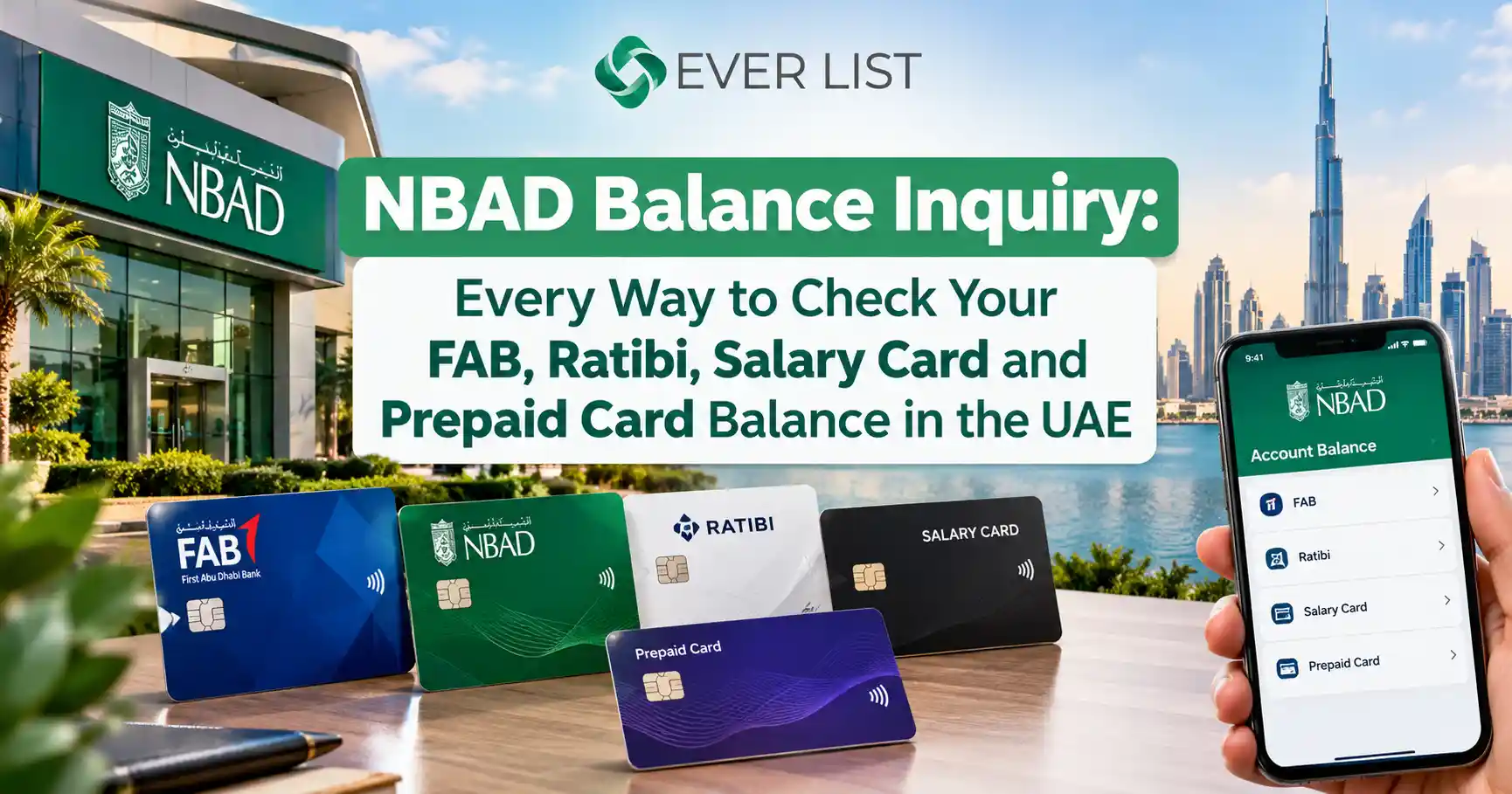
You can still check the balance on any old NBAD card. NBAD is now First Abu Dhabi Bank (FAB), so every NBAD balance inquiry runs through FAB’s systems. If you hold a Ratibi salary card or another FAB prepaid card, the fastest way is the official Ratibi Prepaid Card Balance Enquiry page. It needs no login, no app, and no registration.
Quick answer: the fastest way for each card
- Ratibi or prepaid salary card: open ppc.magnati.com/ppc-inquiry, enter the last digits of your card number and your Card ID, then tap Go.
- FAB debit card or bank account: log in to the FAB Mobile app or FAB online banking.
- No internet: insert your card at any ATM and choose Balance Inquiry.
- Problem with your balance: call FAB on 600 52 5500 inside the UAE or +971 2 681 1511 from abroad.
The rest of this guide walks you through each method step by step. It also covers what to do when your salary has not arrived, why the website sometimes rejects your Card ID, and how to avoid the balance-check scams that target salary cardholders.
Is NBAD Still Active? What the FAB Merger Means for Your Card
NBAD no longer exists as a separate bank. The National Bank of Abu Dhabi merged with First Gulf Bank in 2017 to form First Abu Dhabi Bank, the largest bank in the UAE. FAB took over every NBAD account, debit card, salary card, and prepaid card.
Here is what that means in practice:
- Your old card still works until its expiry date, even if it shows the NBAD logo.
- Your account number stays the same. FAB simply manages it now.
- Search for FAB, not NBAD. Old NBAD web addresses, SMS codes, and phone lines now point to FAB channels or no longer work.
- “NBAD PPC” means the prepaid card portal. PPC stands for Prepaid Card. FAB runs this portal through Magnati, its former payments business, which is why the balance page sits on a magnati.com address.
That last point confuses many cardholders. People search for “magnati balance check” because the web address looks unfamiliar. The page is legitimate: FAB links to it directly from the Login menu on bankfab.com under “Ratibi Prepaid Card Balance Enquiry”. Always reach it through that link rather than a search ad.
First, identify which card you hold.
The right balance check depends on your card type. Most failed balance checks happen because people use the wrong method for their card. A Ratibi card has no online banking login, so the FAB app login screen will not accept it.
| Card you hold | How to recognize it | Best balance check |
| Ratibi salary card | Says “Ratibi” or “Payroll Card”; your employer issued it; no bank account attached | Online prepaid card enquiry page or ATM |
| Other FAB prepaid card (e.g. government or general-purpose prepaid) | Says “Prepaid”; reloaded rather than linked to an account | Online prepaid enquiry page, FAB Mobile app if registered, or ATM |
| FAB or old NBAD debit card | Linked to a current or savings account; you have an account number and IBAN | FAB Mobile app or online banking |
| FAB salary account | Salary lands in a full bank account | FAB Mobile app, SMS alerts or online banking |
What is a Ratibi card? Ratibi is FAB’s payroll prepaid card for employees who earn up to AED 5,000 a month. Your salary loads onto the card without a bank account. FAB lists free 24/7 ATM access, no minimum balance, no monthly charges, and free personal accident insurance among its benefits.
If you want a full account with a cheque book, transfers, and app access, consider FAB Online Bank Account Opening once your salary qualifies.
Method 1: NBAD Balance Inquiry Online (Ratibi and Prepaid Cards)
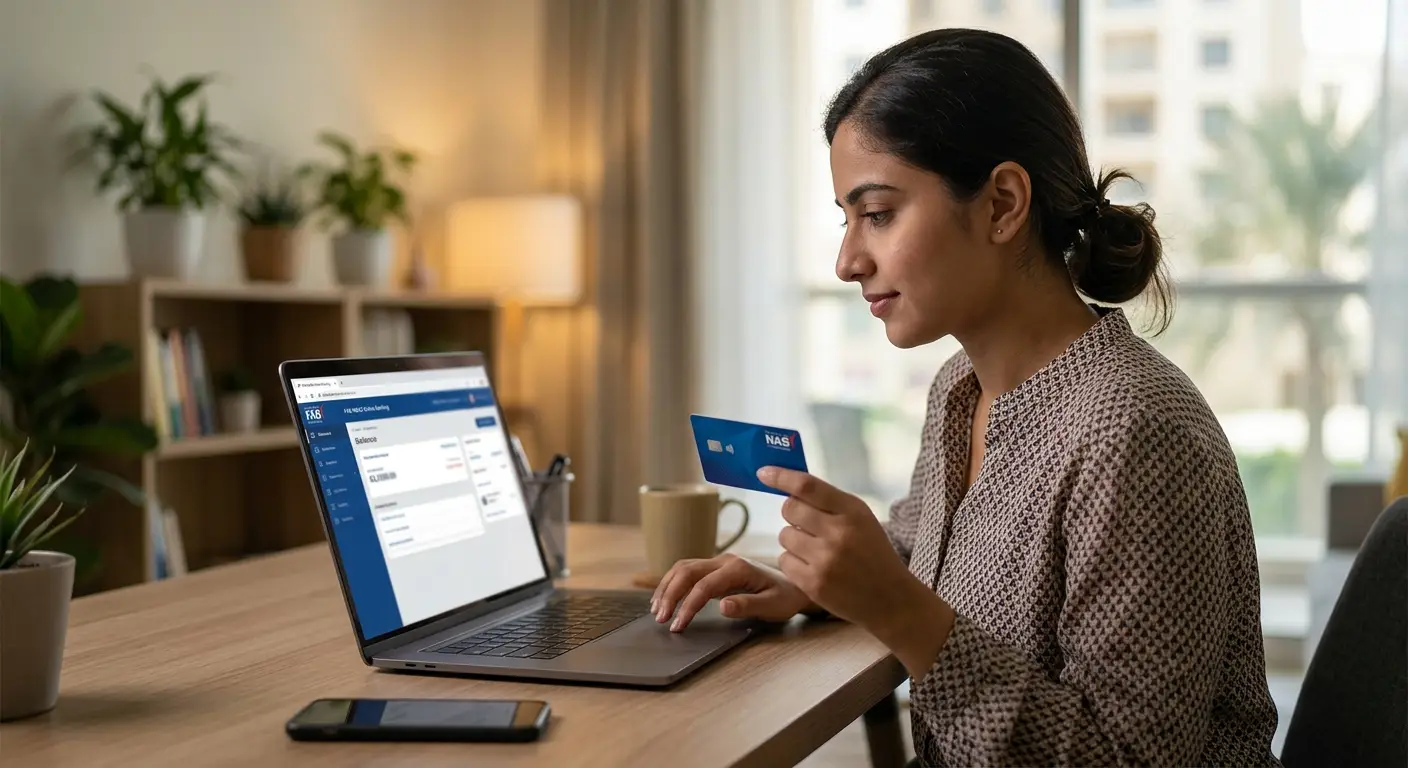
The online prepaid card enquiry is the quickest free method for Ratibi and prepaid cardholders. It works on any phone browser and takes about 30 seconds.
Steps to check your Ratibi balance online
- Go to bankfab.com, tap Login, then choose Ratibi Prepaid Card Balance Enquiry. This opens the official page at ppc.magnati.com/ppc-inquiry.
- Enter the last digits of your card number in the first field. The page shows how many digits it needs (usually the last two).
- Enter your Card ID in the second field. You will find it printed on the front of your card, usually at the bottom left.
- Tap Go.
- Your available balance appears on screen, often with your most recent transactions.
Tips that save you a failed attempt
- Card ID is not the card number. The Card ID is a separate shorter number. Typing the 16-digit card number into this field is the most common error.
- Check for zero versus the letter O. Worn cards make these hard to read. Use your phone camera zoom to read the digits clearly.
- Bookmark the page after you reach it from bankfab.com. You then avoid fake look-alike sites in future searches.
For a deeper walkthrough with screenshots, see our full guide to FAB balance check online.
Method 2: FAB Balance Check on the FAB Mobile App and Online Banking
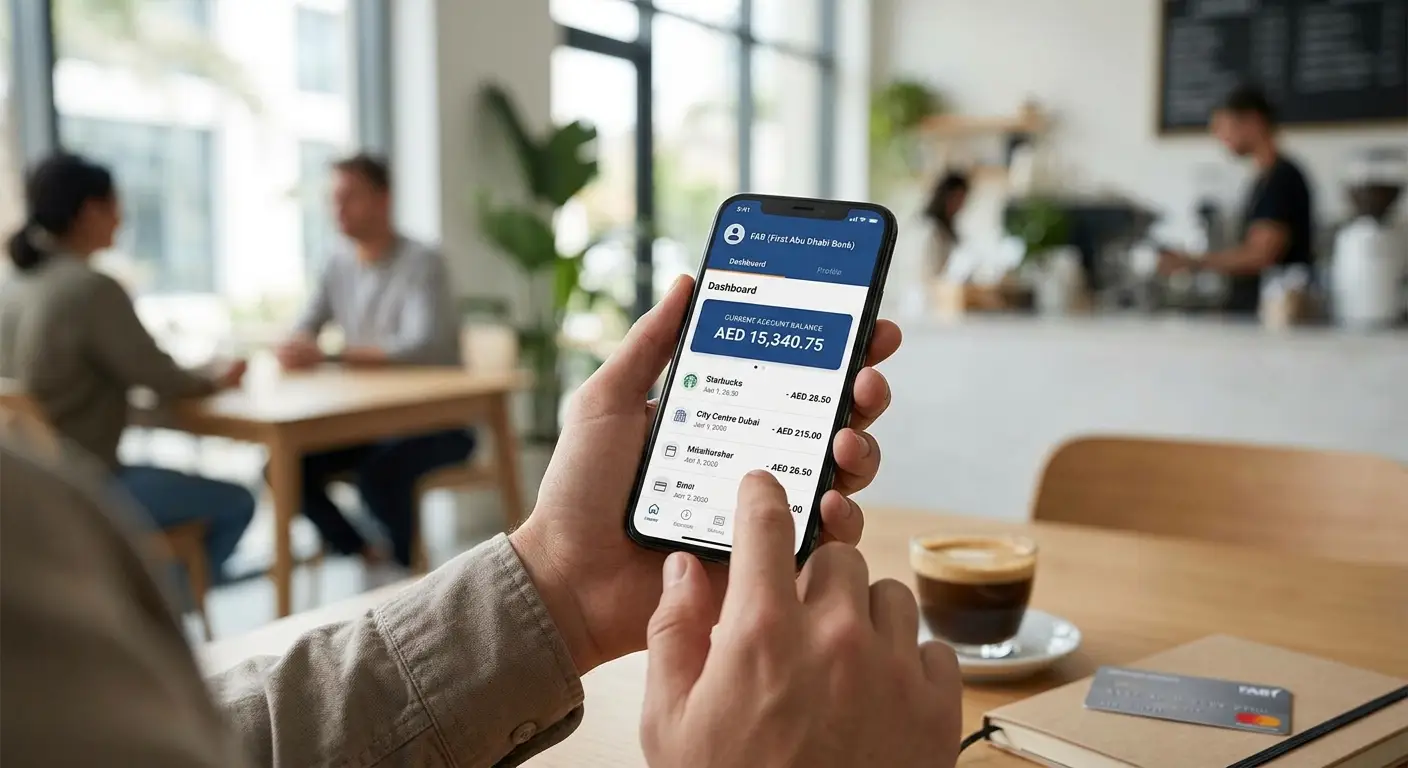
The FAB Mobile app is the best option if you have a FAB account or debit card. It shows your live balance, full transaction history, and pending card payments in one place.
FAB Mobile app (first-time setup)
- Download FAB Mobile from the Apple App Store or Google Play Store. Check that the publisher is First Abu Dhabi Bank.
- Choose Already a customer and register with your debit card number or Customer ID.
- Verify with the one-time password (OTP) FAB sends to your registered mobile number.
- Create your login and turn on Face ID or fingerprint for faster access.
- Your accounts and cards load on the home screen. Tap any account to see its balance and transactions.
FAB online banking on a laptop
Go to bankfab.com, tap Login, then choose Personal Online Banking (UAE). Log in with the same credentials you use in the app. This view works best when you need to download statements or review several months of transactions.
Good to know: the app registration requires a mobile number already linked to your FAB profile. If you changed your number, update it at a branch or through the call centre first, or the OTP will go to your old number.
Method 3: ATM Balance Inquiry (Works Without Internet)
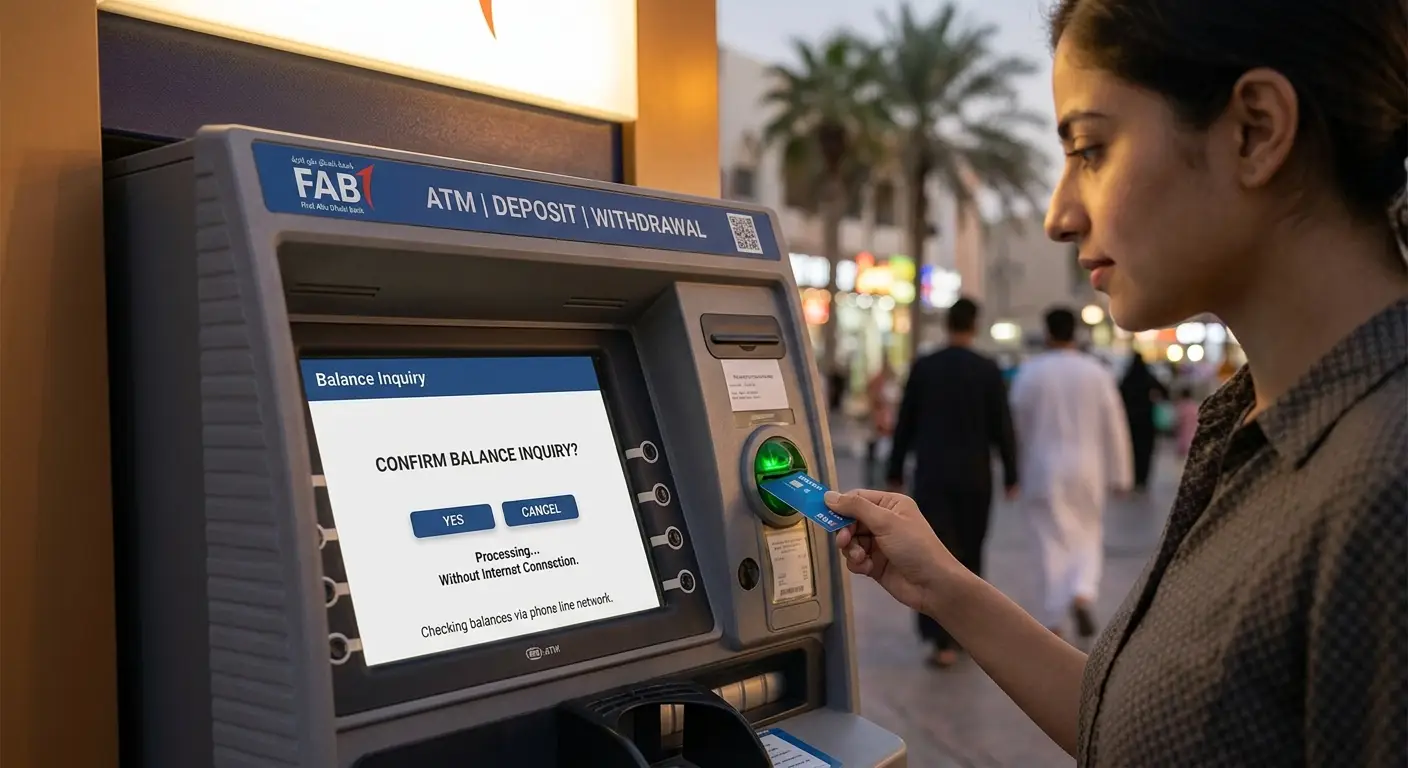
An ATM works for every FAB card type and needs no internet or registration. It is the most reliable fallback when the website will not load.
- Visit any FAB ATM. The FAB branch locator on bankfab.com shows the nearest one.
- Insert your card and choose English or Arabic.
- Enter your 4-digit PIN.
- Select Balance Inquiry.
- Read the balance on screen or print a receipt.
Is an ATM balance inquiry free? Checking at a FAB ATM costs nothing. Using another bank’s ATM in the UAE may carry a small fee for some card types, so stick to FAB machines when you can. If someone advertises an “online ATM balance inquiry free” service, treat it with caution: no genuine bank lets you check a balance online by typing your ATM PIN into a website.
For tips that apply across UAE banks, read our general ATM Balance Check guide.
Method 4: FAB Balance Check by SMS
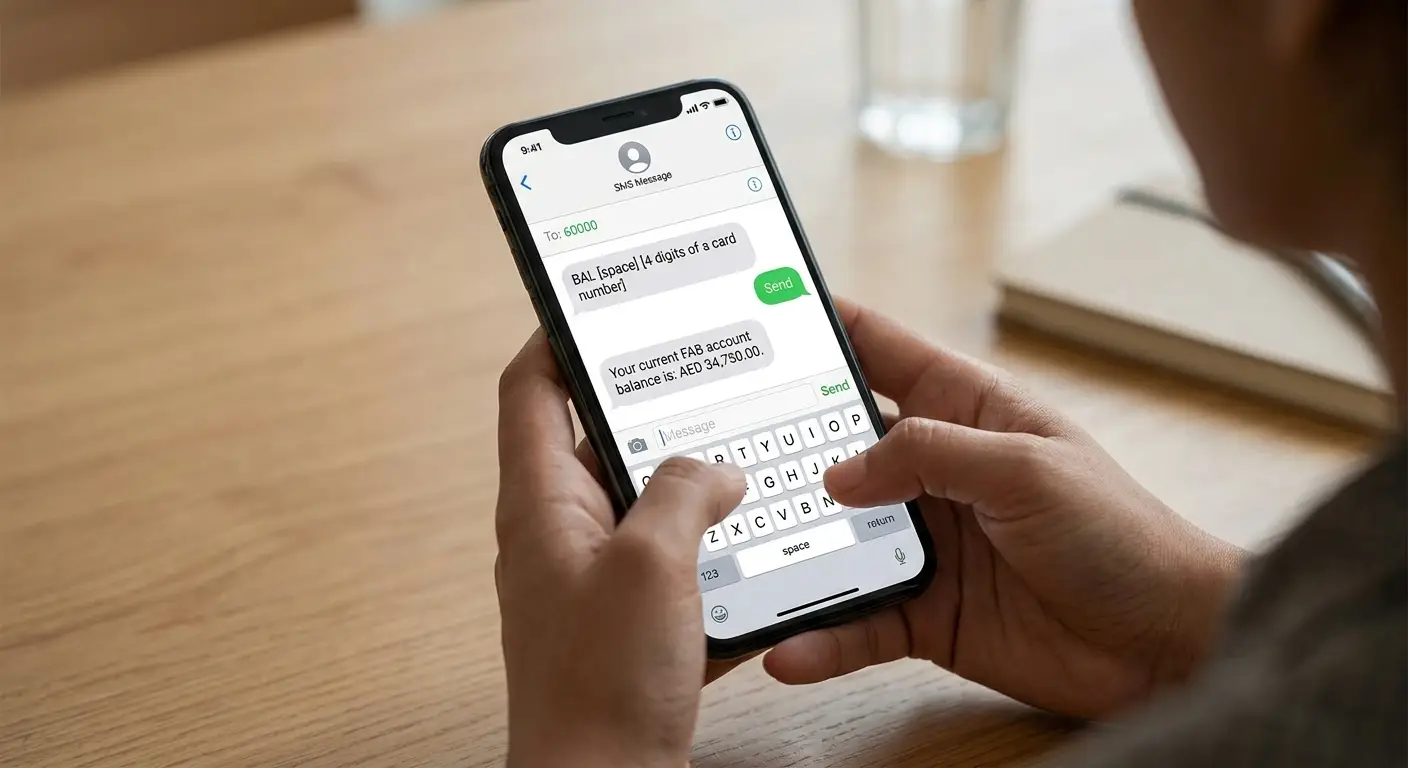
SMS banking suits account holders who want a balance without data or an app. FAB’s official SMS banking number is 2121, and it only replies to the mobile number registered on your FAB profile.
- Make sure your mobile number is registered with FAB and SMS banking is active.
- Open your messages app and type the balance keyword FAB gave you when you registered (commonly BAL).
- Send it to 2121.
- Wait for the reply with your available balance.
Ratibi holders, read this first. Many websites list SMS codes for Ratibi cards that FAB does not publish on its own pages, and some of those numbers no longer work. If an SMS gets no reply, do not keep retrying. Use the online enquiry page or an ATM instead, or ask your employer’s HR team which SMS service your card supports.
Turn on SMS alerts. Alerts tell you the moment your salary lands or money leaves your card, so you rarely need to check manually. Your mobile operator may charge standard SMS rates. If you are on du, a quick du balance check before you text helps you avoid a failed send on an empty prepaid line.
Method 5: Balance Enquiry Through FAB Phone Banking
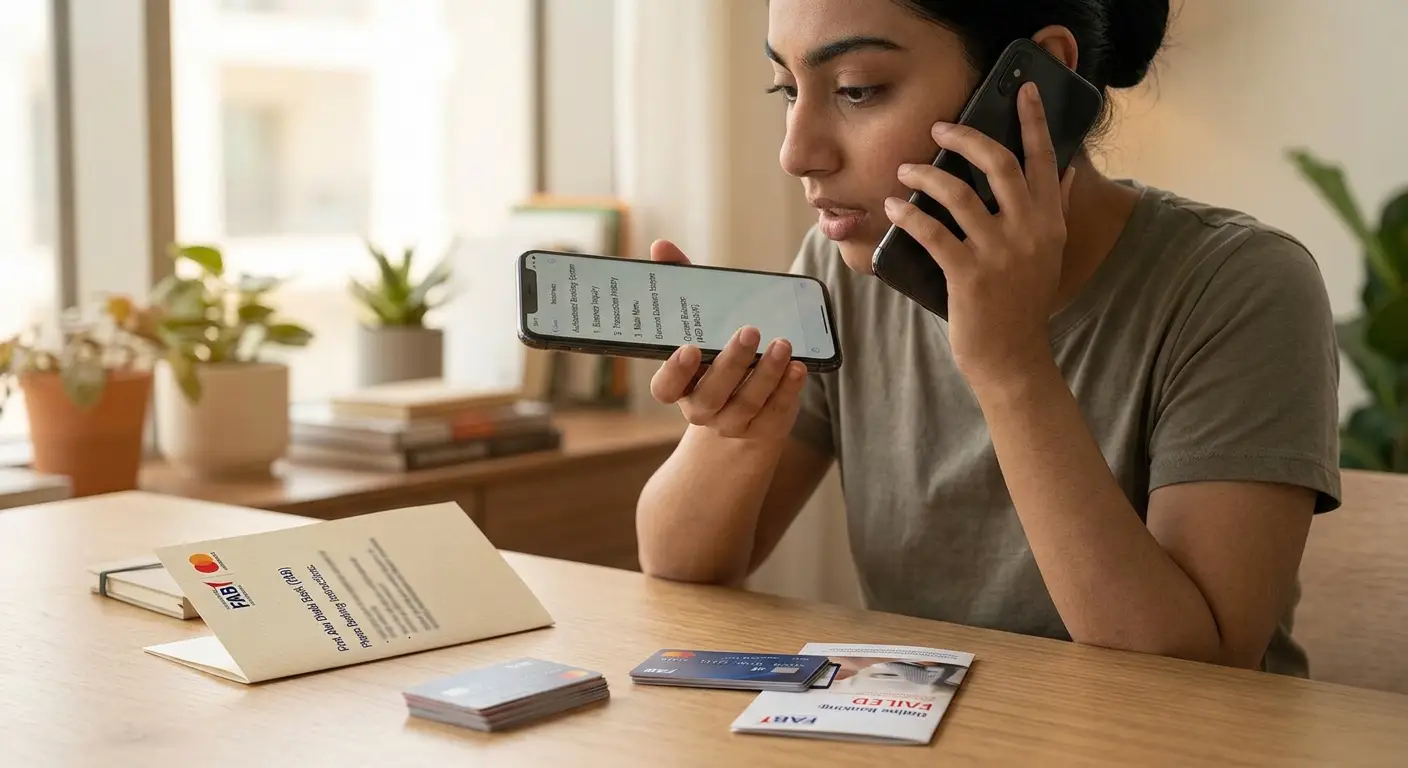
Call FAB when you need help, not just a number. Phone banking suits disputes, blocked cards, and missing salaries better than a routine balance check.
| Calling from | FAB customer care number |
| Inside the UAE | 600 52 5500 |
| Outside the UAE | +971 2 681 1511 |
How the call usually goes: choose your language (English or Arabic), pick the cards or prepaid cards option from the menu, then enter or read out your card details. The automated system can read your balance, or you can ask for an agent.
Have these ready before you call: your card, your Emirates ID number, and the mobile number registered with FAB. Agents will never ask for your full PIN or a one-time password, so never share either one on a call.
Method 6: Branch Visits, Receipts, and Payit
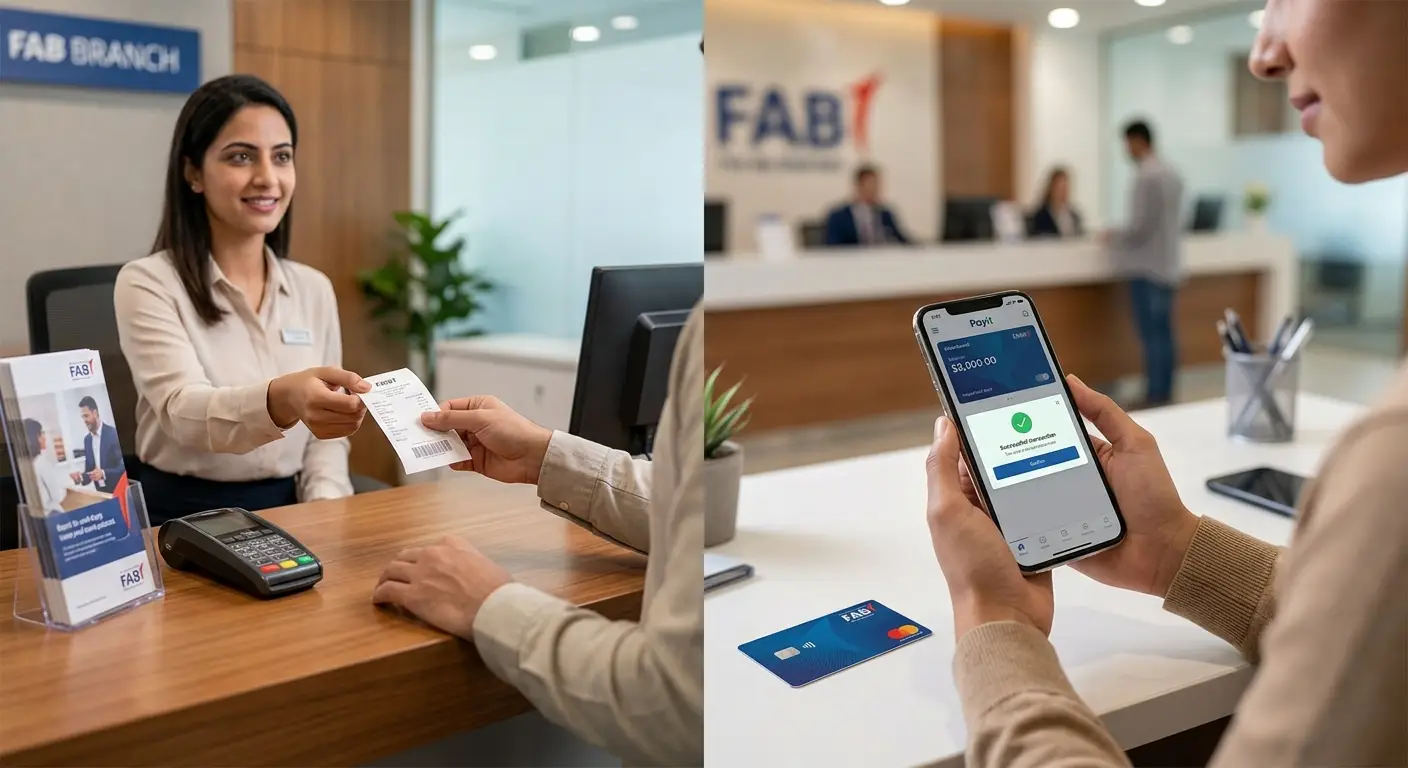
Three smaller options fill the gaps the main methods leave.
- FAB branch: bring your card and Emirates ID. Staff can show your balance, print a statement, and fix PIN or card problems on the spot. This works best for Ratibi holders who cannot get the online page to accept their details.
- Purchase and ATM receipts: most ATM withdrawal receipts and many shop receipts print your remaining balance. Keep the last one in your wallet as a quick reference.
- Payit wallet: Payit is FAB’s digital wallet app. It holds its own wallet balance, which is separate from your Ratibi or debit card balance. Check your card balance through the methods above, not through Payit.
About “Magnati balance check” searches: Magnati does not offer a separate balance service for cardholders. The Magnati-hosted page is simply the same FAB prepaid card enquiry described in Method 1.
NBAD Balance Inquiry Methods Compared
For most Ratibi holders, the online enquiry page is the best everyday option. For account holders, the FAB Mobile app wins.
| Method | Works for | Internet needed | Registration needed | Typical time | Cost |
| Online prepaid enquiry | Ratibi, prepaid cards | Yes | No | Under 1 minute | Free |
| FAB Mobile app | Accounts, debit cards, registered cards | Yes | Yes, one time | Under 1 minute after setup | Free |
| Online banking | Accounts, debit cards | Yes | Yes | 1 to 2 minutes | Free |
| ATM | All FAB cards | No | No | 2 to 3 minutes plus travel | Free at FAB ATMs |
| SMS to 2121 | Registered accounts and cards | No | Yes | Seconds to minutes | Standard SMS rates may apply |
| Phone banking | All FAB cards | No | No | 3 to 10 minutes | Standard call rates |
| Branch | All FAB cards | No | No | Depends on queue | Free |
Salary Not Showing? WPS Timing and What to Do
A zero or low balance on payday usually means your employer has not released the salary yet, not that the bank lost it. FAB loads Ratibi and salary account payments only after your employer sends the payroll file through the UAE Wage Protection System (WPS).
Why your salary may not appear yet
- Your employer has not submitted the WPS file. This is the most common cause.
- The file reached FAB late in the day. Payments sent after the bank’s processing cut-off often appear the next working day.
- A weekend or public holiday delays processing until the next working day.
- Your card details in the payroll file are wrong, so the payment bounced back to your employer.
The rules changed in 2026
MOHRE updated its WPS rules from June 1, 2026. Under the updated system, MOHRE monitors employers electronically from the salary due date. Published guidance on the update says MOHRE issues a warning to a late employer within the first week and registers a labour dispute automatically if wages stay unpaid past roughly the sixteenth day. Check the latest details on the MOHRE app, as enforcement steps can change.
What to do, in order
- Check your balance with Method 1 or an ATM to confirm the salary has not arrived.
- Ask your HR or payroll team whether they have sent the WPS file and on which date.
- If HR confirms payment but your card shows nothing after two working days, call FAB on 600 52 5500.
- If your employer has not paid, file a confidential wage complaint through the MOHRE app or call MOHRE on 600 590000.
Common Balance Check Problems and Quick Fixes
| Problem | Likely cause | Fix |
| Online page says “invalid details” | Card number typed into the Card ID field, or digits misread | Re-enter only the last digits of the card number, then the separate Card ID; zoom in on worn digits |
| Online page will not load | Browser cache, slow data, or site maintenance | Clear cache, switch from Wi-Fi to mobile data, or try again later; use an ATM meanwhile |
| FAB app rejects your Ratibi card | Ratibi cards often cannot register as full app users | Use the online prepaid enquiry page instead |
| ATM keeps your card | Wrong PIN entered three times, or an expired card | Call 600 52 5500; FAB notes that cards captured by ATMs get destroyed, so your employer must request a replacement Ratibi card |
| SMS gets no reply | Number not registered, SMS banking inactive, or an outdated short code | Register your number with FAB; switch to the online or ATM method |
| Balance lower than expected | Pending card payments, ATM fees at other banks, or an unrecognised transaction | Review recent transactions; report anything you did not make to FAB immediately |
| Forgot your PIN | No PIN record | Request a PIN reset at a FAB branch or through the call centre |
Stay Safe: Balance Check Scams Targeting Salary Cardholders
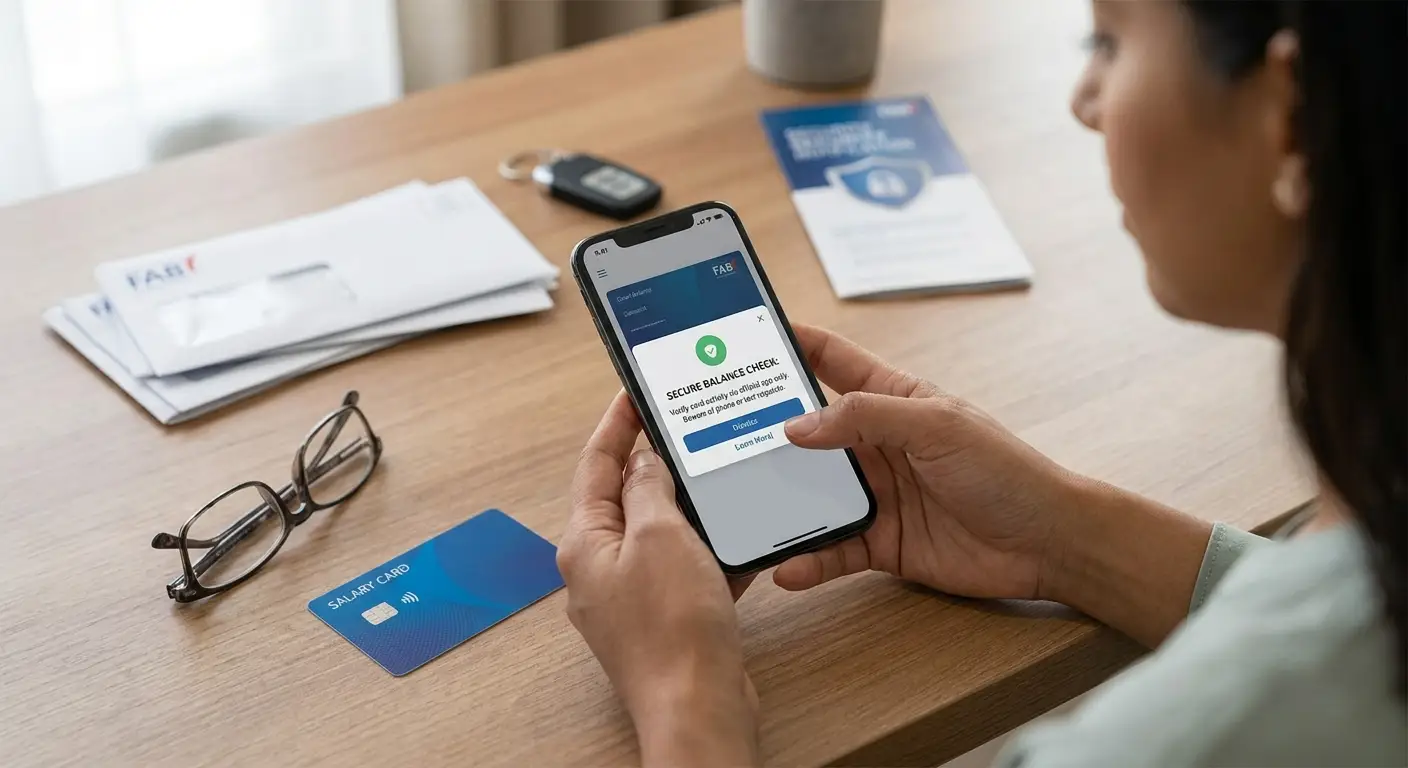
Scammers target Ratibi and salary card users because these cards hold an entire month’s pay. The most common trick is a fake “NBAD balance inquiry” page or a call claiming your card is blocked.
- Use only official routes. Reach the enquiry page from the Login menu on bankfab.com. Never use a link from an SMS, WhatsApp forward, or social media post.
- The real balance page never asks for your PIN, CVV, or OTP. It needs only the last digits of your card number and your Card ID. Any page that asks for more is fake.
- FAB staff never ask for your PIN or OTP by phone, SMS, or WhatsApp. Hang up and call 600 52 5500 yourself if anyone does.
- Do not let anyone else check your balance for you at an ATM. Shield the keypad when you enter your PIN.
- Avoid public Wi-Fi for online banking. Mobile data is safer.
- Report a lost or stolen card at once through the app or the call centre so FAB can block it.
If you later move to a full account and a credit card, compare rewards before you apply. Our guide to the Best Cashback Credit Cards in UAE explains which cards return the most on everyday spending.
Conclusion: The Simplest Way to Check Your Balance
An NBAD balance inquiry today is a FAB balance check under a newer name. Match the method to your card and the job takes under a minute:
- Ratibi or prepaid card: bookmark the official enquiry page from bankfab.com and use it every payday.
- FAB account or debit card: set up the FAB Mobile app once and turn on alerts.
- No internet: use any FAB ATM, free of charge.
- Salary missing: confirm with HR first, then FAB, then MOHRE.
Make one habit to check your balance on payday. It confirms your salary arrived in full and helps you spot any unauthorised transaction early.
Frequently Asked Questions
How can I check my NBAD balance online?
Go to bankfab.com, open the Login menu, and choose Ratibi Prepaid Card Balance Enquiry. Enter the last digits of your card number and your Card ID, then tap Go. Account holders should use the FAB Mobile app or online banking instead.
What is NBAD PPC?
NBAD PPC refers to the prepaid card (PPC) balance enquiry portal that NBAD used for Ratibi and prepaid cards. FAB still runs it today through ppc.magnati.com/ppc-inquiry.
Where do I find my Card ID?
Your Card ID is printed on the front of your Ratibi or prepaid card, usually at the bottom left. It is a separate number from your 16-digit card number.
Can I check my Ratibi card balance in the FAB Mobile app?
Sometimes. Many Ratibi cards cannot register as full app users because they have no bank account behind them. The online enquiry page and ATMs work for every Ratibi card.
Is the FAB balance check free?
Yes. The online enquiry, the FAB Mobile app, online banking and FAB ATMs cost nothing. Your mobile operator may charge for SMS, and other banks’ ATMs may charge a fee.
What is the FAB SMS number for balance enquiry?
FAB’s SMS banking number is 2121. It replies only to mobile numbers registered with FAB and active on SMS banking.
My old card says NBAD Is it still valid?
Yes, until the expiry date printed on it. FAB will issue a FAB-branded replacement when it expires.
Can I check my balance from outside the UAE?
Yes. The online enquiry page and FAB Mobile app work worldwide. You can also call FAB on +971 2 681 1511.
Who can get a Ratibi card?
Employers issue Ratibi cards to employees who earn up to AED 5,000 a month. You cannot apply on your own; your employer requests the card through FAB.