

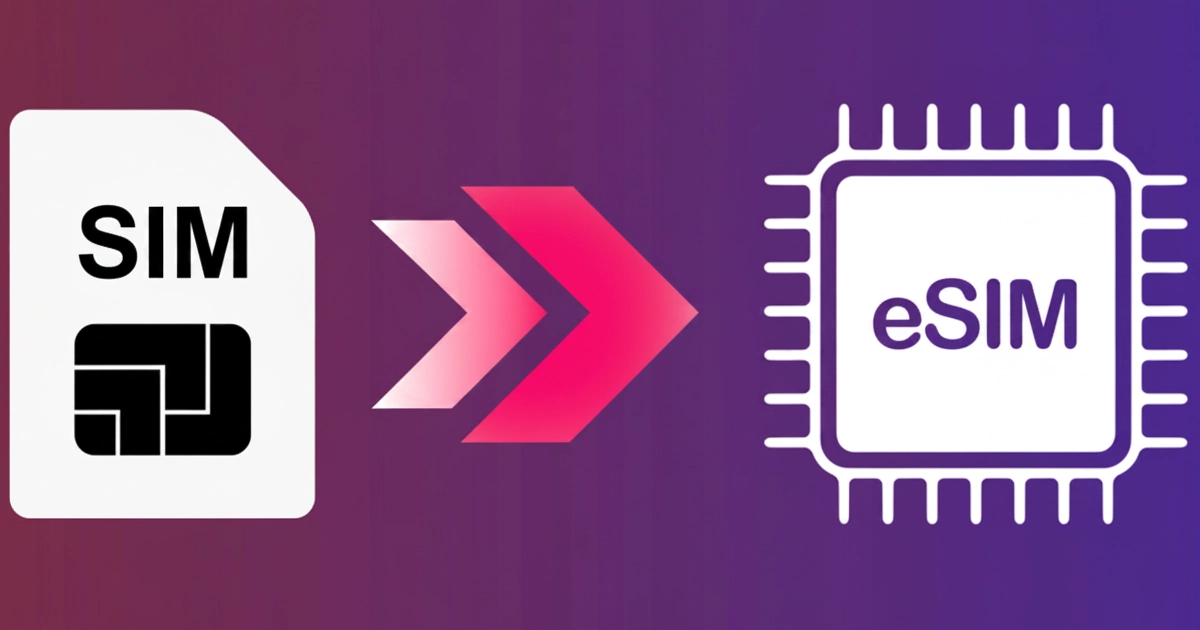
You might have heard about eSIM, which is commonly used nowadays. As people are turning to digital services, eSIMs are becoming popular. eSIM (embedded SIM) has specific features such as travel-friendliness, flexibility, and the ability to store a large number of mobile numbers. This SIM is more convenient than the physical SIMs for travellers and personal use.
But the question arises, is it easy to convert a physical SIM to an eSIM? The answer is yes, you can easily do it by yourself. However, this process needs to follow some tactics for successful conversion. Are you wondering about the proper guidelines for how to convert a SIM to an eSIM?
Don’t worry, you are at the right place. We have put together a step-by-step guide for SIM conversion on iPhone, Android, or Samsung devices. After carefully reading this blog, you will be able to convert your SIM by yourself without any professional help.
Things to Need Before Converting SIM to eSIM
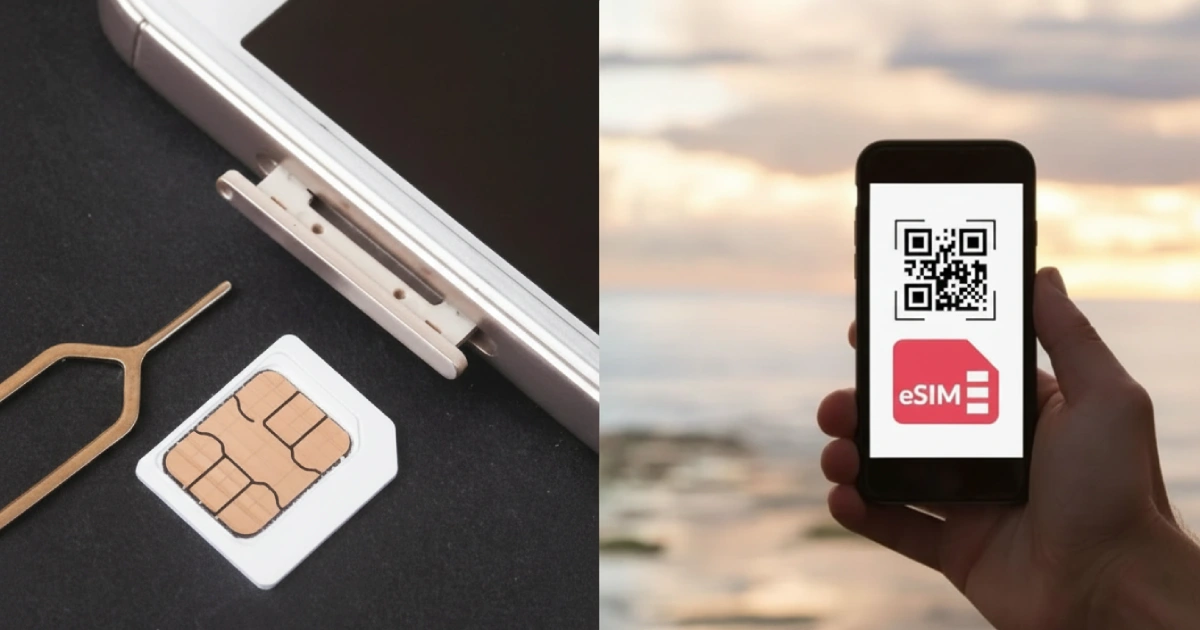
Before starting the conversion of SIM to eSIM, make sure that you have the following things:
- An eSIM-Compatible Device
- Carrier Support
- Unblocked Device
- Wi-Fi Connection
- Carrier App or QR Code
- Data Backup
- Updated Device Software
Converting the SIM on the iPhone
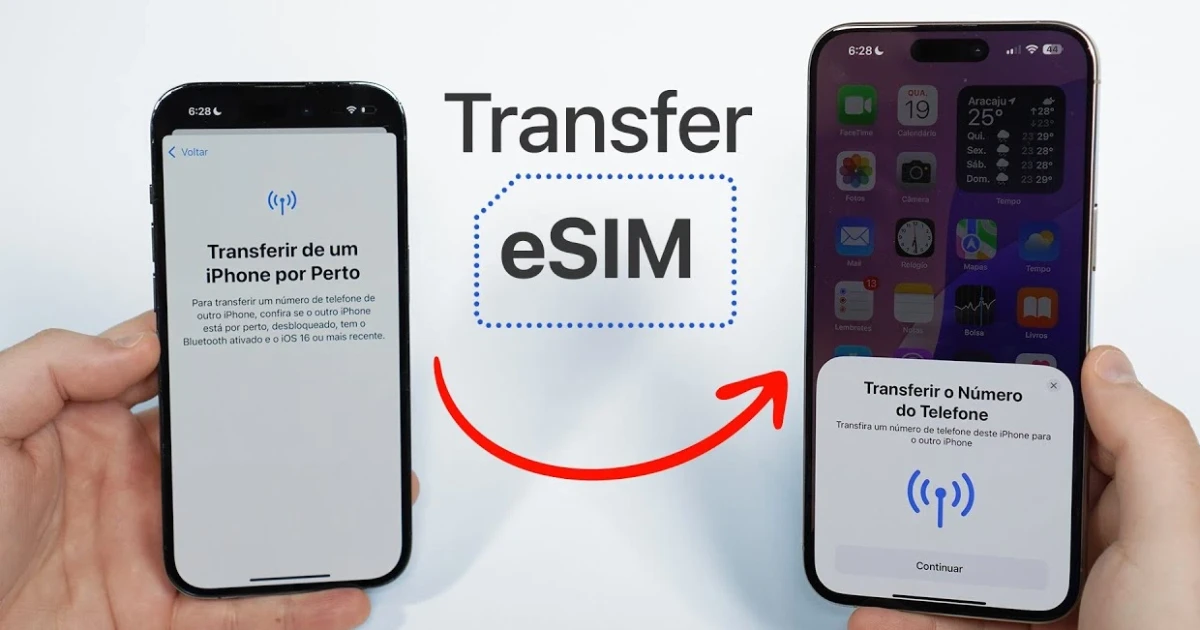
Here are the steps to convert a physical SIM to eSIM on your iPhone. Let’s look at them one by one:
- Open the settings of your phone and tap on Cellular.
- Click on the Convert to eSIM option.
- Click on the Convert Cellular Plan option.
- Click again on the Convert to eSIM option for confirmation.
- After doing these steps, your physical SIM will be inactivated, and eSIM will be activated.
- Reboot your iPhone if needed.
You can also convert your iPhone SIM in this way:
- Apply for the eSIM activation request.
- Go to Settings. Click on Cellular and then on Add Cellular Plan
- Scan the provided QR code
- Execute the given on-screen prompts.
Converting the SIM on Android
If you want to convert your physical SIM to eSIM on your Android mobile device, such as a Google Pixel, follow the given steps:
- Open the Settings of your phone
- Tap on Network & Internet and then on SIMs
- Click on +Add More and then on Download Your SIM Instead
- Select the options carrier or QR Code
- Conclude the activation process
Converting the SIM on Samsung
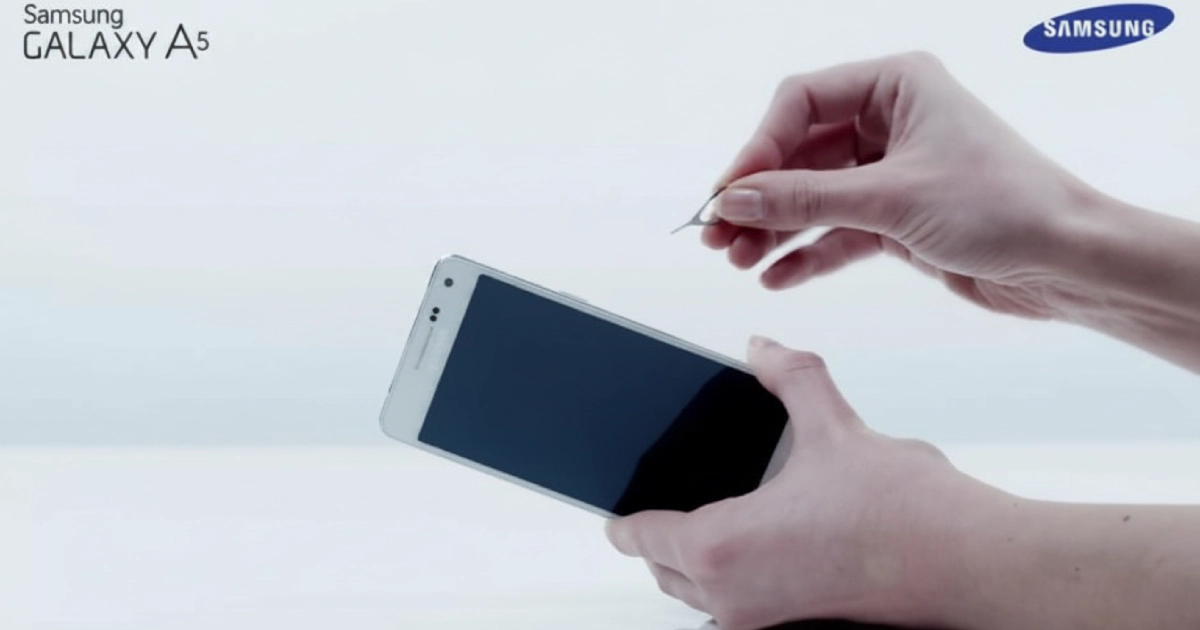
To convert the SIM on your Samsung mobile, follow these steps:
- Open the settings of your mobile.
- Click on the Connections Option and then on SIM Card Manager
- Click on the Add mobile plan
- Tap on Scan QR Code
- Scan the code
Conversion of Carrier-Specific SIM to eSIM
Here are the best US Carriers for SIM conversion:
AT&T
Mobile users can access My AT&T to convert their physical SIM to an embedded SIM.
T-Mobile
T-Mobile is another US carrier for SIM-to-SIM conversion. If you are unable to convert through this app, you can also enquire about the eSIM activation.
Verizon
You can also request a QR code via the My Verizon app. After scanning the code, you can activate the sim.
Troubleshooting Issues During eSIM Conversion
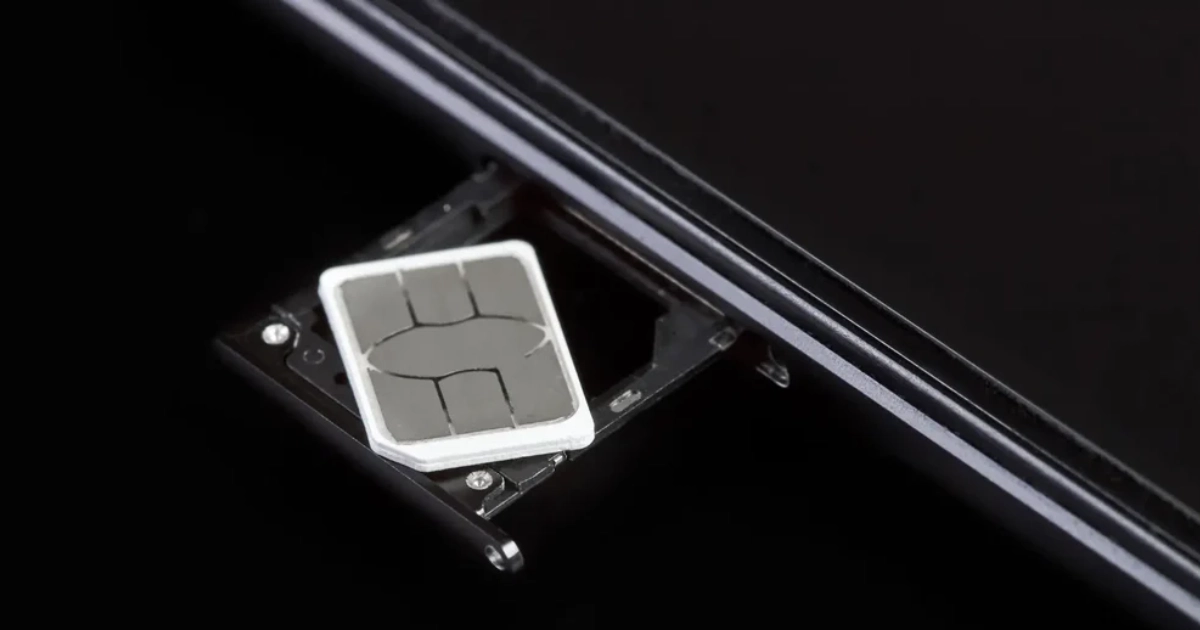
During the conversion of a physical SIM to an eSIM, you can face some troubleshooting issues. Some of these issues are given below:
QR Code Not Scanning: If your QR Code is not scanning, clean the camera of your mobile. If the QR code is on paper, ensure that the paper has no creases or smudges.
eSIM Activation Failed: If your eSIM activation failed, restart your mobile device. Ensure that your mobile device’s software is up to date.
Connectivity Issues After Activation: Sometimes, a poor network connection prevents your SIM from activating. To resolve this issue, opt for a strong network connection.
Inconsistent Performance Post-activation: In some cases, your eSIM becomes activated but starts working slowly over time. To overcome this issue, switch on the aeroplane mode and then turn it off for a better network connection.
Conversion Option Missing: In some cases, your eSIM does not activate automatically. If you face this problem, scan the QR code or seek call support.
Conclusion
In this digital world, mobile users are switching to eSIM rather than a physical SIM. eSIM is more productive than a physical SIM card. Embedded SIM is more flexible and travel-friendly. Additionally, it also plays a crucial role in mobile storage as it can store plenty of phone numbers. However, conversion of SIM is an easy yet tricky task.
We have provided all the necessary information for the SIM conversion process on any mobile device. Follow the guidelines properly for successful conversion. Additionally, we have also addressed some troubleshooting issues which most people face during the process. If you also encounter these issues, adhere to the suggested solutions to tackle the situation.