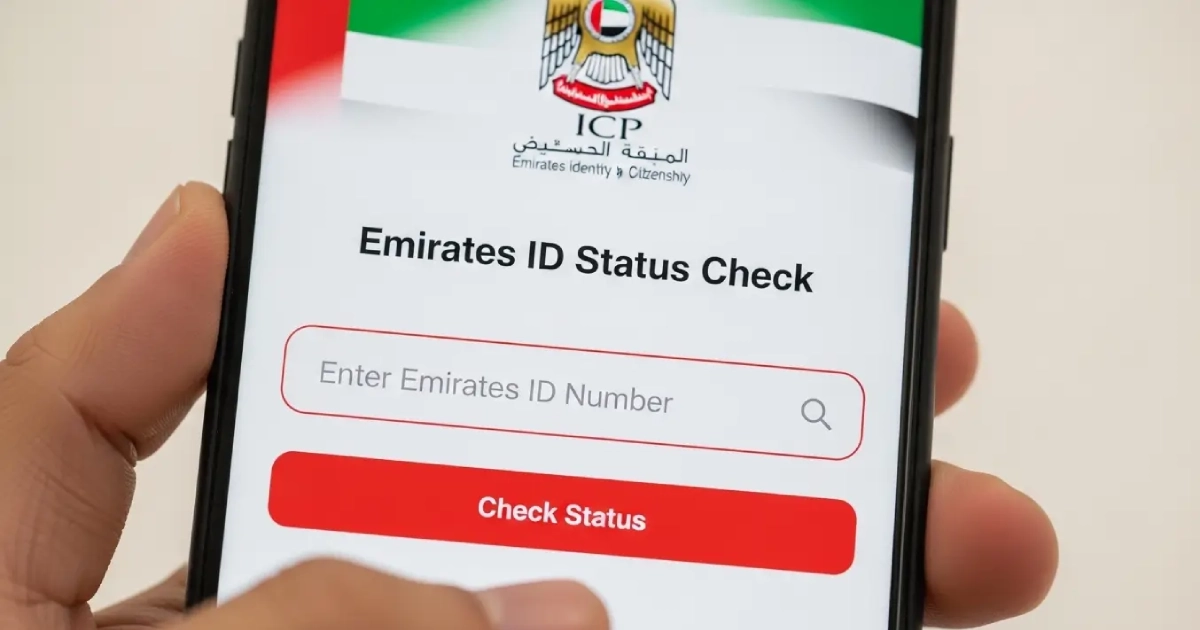
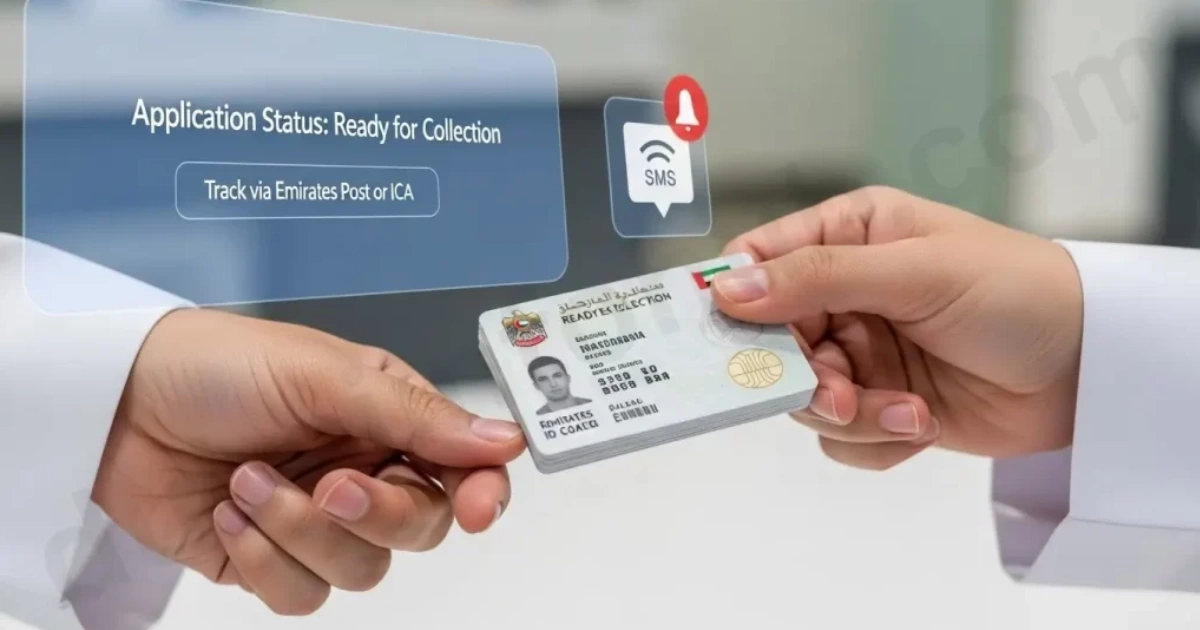
Emirates ID plays an important role in the lifestyle of UAE residents. If any resident of the UAE does not have an updated Emirates ID, they can’t get access to any Dubai facility. Even they can’t buy anything without their credit card or Emirates ID. Therefore, checking the ID status is crucial to avoid any trouble. The ID status should be renewed before the expiration date within 30 days.
The important question is how to check the Emirates ID Status. The Federal Authority for Identity and Citizenship (ICA) has given access to the residents to view their ID renewal status. Additionally, through the online portals via mobile or computer, residents of the UAE can also check the status of their new ID applications.
Read this blog thoroughly to check your ID status by yourself. Further, you will also learn about the reasons and benefits of checking your status.
What is an Emirates ID?
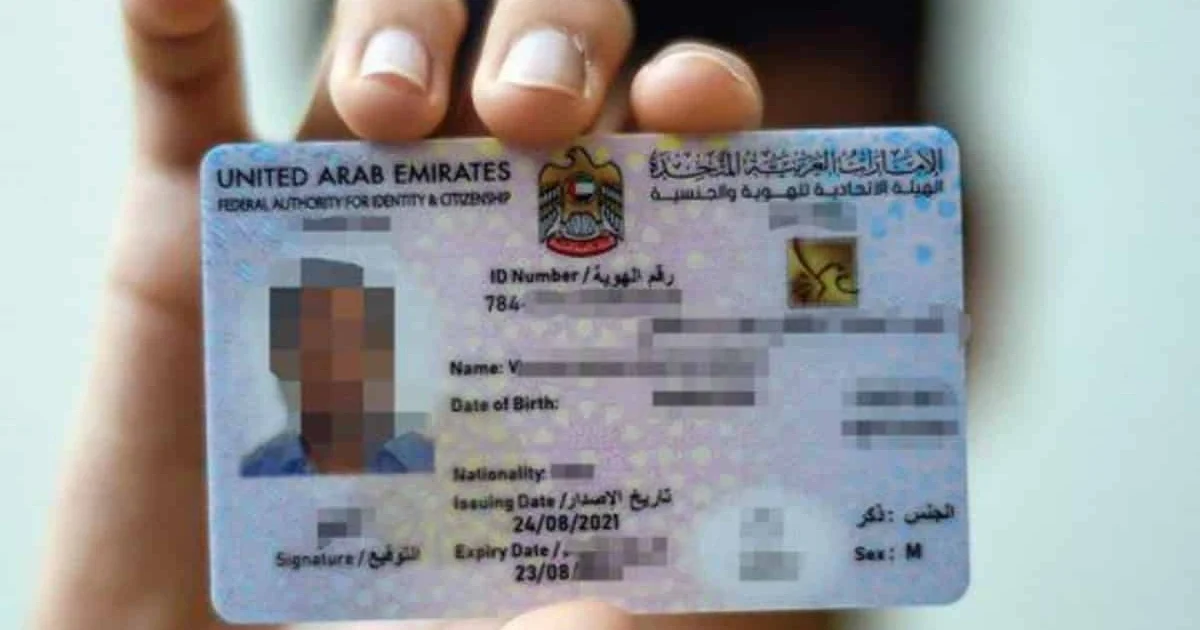
Emirates ID is an identity card, essential for every citizen of Dubai. This identity card is issued by ICP ( Federal Authority for Identity, Citizenship, Customs & Port Security). Emirates ID is activated with your biometric information, such as fingerprint and eye scan.
This ID has the same validity as your Visa. Keeping your Emirates ID at all times is necessary for residency in Dubai. Through this ID card, you can get access to government services and vote in the UAE elections. Additionally, this card is also crucial for getting entry in airports through e-gates and smart gates.
Step-by-Step Guide to Check Emirates ID Status
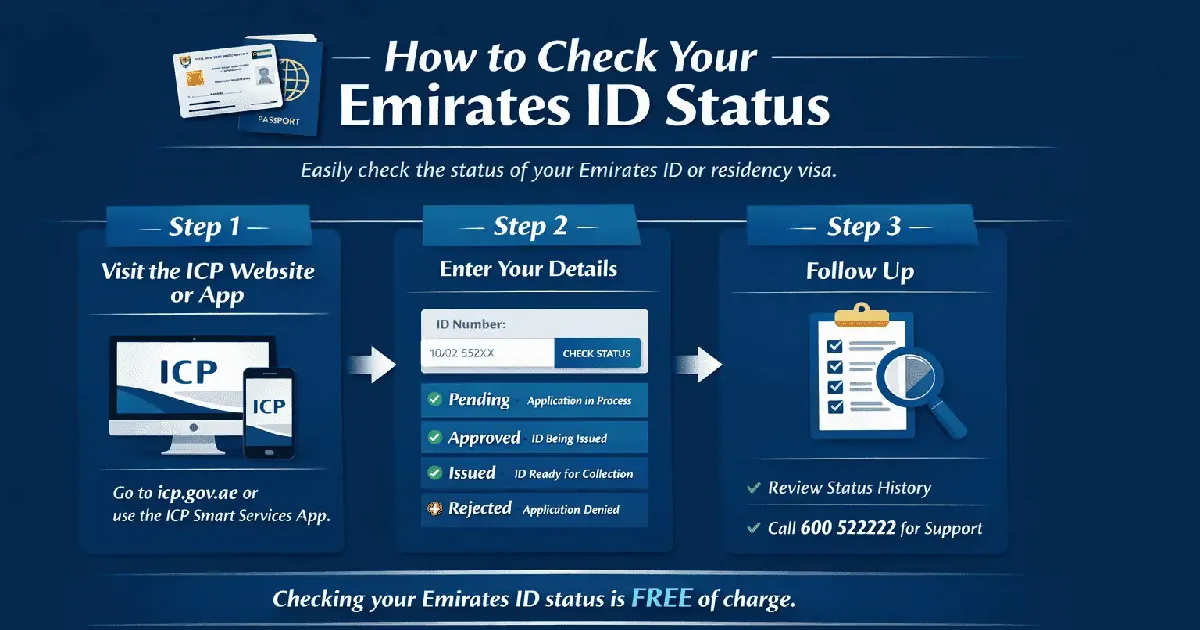
Follow this step-by-step guide to check the ID renewal status successfully.
1. Visit the ICP Website
Go to the ICP ( Federal Authority for Identity, Citizenship, Customs, & Port Security) portal or https://icp.gov.ae/en/. On this website, browse for “Check Application Status,” which is usually mentioned on the right side of that web page.
You can also check your Emirates ID status on your mobile phone if you don’t have a computer. To do this, go to the Google Play Store and install the ICP Smart Services app from there. Instead of downloading the app, you can also search for the ICP website on your Mobile Google or Chrome.
2. Add Your Details
For checking your ID renewal status, add your details such as your Emirates ID Number, PRAN Number, or Passport Number without hyphens. After entering your details, your ID status will be displayed on the screen. Your status can be displayed as Pending, Approved, Issued, or Rejected. If “Pending” status is displayed on the screen, it declares your ID application is in process.
If your status is “Approved,” it means your application has undergone all the processes and has approved, and the printing process is underway. In case of the “Issued” status, your application has approved, the printing process is done, and you just have to receive it. If the application is “Rejected,” it means your application ID is rejected for any reason.
You can also check your ID status details, such as submission date, verification, and printing process, in the “Application History Log” section.
3. Follow Up
Checking the application status ID through the ICP portal is free of cost. Additionally, in case of any issue, you can contact their helpline 60052222 or can do a live chat at their official portal.