
Du Balance Check: How to Check Data & Credit
Du is a leading telecommunication company in the UAE, offering services for individuals and businesses. Their major services include mobile plans (prepaid/postpaid), home internet, TV, roaming, eSIMs, and public WiFi.
Du allows customers to access various methods to monitor their remaining credit, data, minutes, and plan usage. Regularly checking your balance helps you budget your mobile expenses and prevent overspending.
For both prepared and postpaid users, checking the balance helps track how many free units, minutes, or data are remaining. This allows you to renew your plans on time to avoid expensive standard charges. In this guide, you will learn simple and easy methods for a DU balance check.
Du is one of the two main phone and internet providers in the UAE. If you use a Du line, checking your balance often helps you avoid running out of credit or data at the wrong moment. It also helps you plan your next recharge. Below you will find every method Du offers, explained in plain steps.
Best Methods to Check Your Du Balance in 2026
In 2026, Du offers several quick methods to check your remaining balance. Top methods include:
1. Send an SMS to 1355
It is the quickest and easiest method to check your Du balance. Open your mobile SMS icon and go to a new message. Type the word “BAL” or “Balance” and send it to 1355. After a few seconds, you will receive an SMS with your remaining data and credit details. This method does not need data balance.
2. USSD Codes
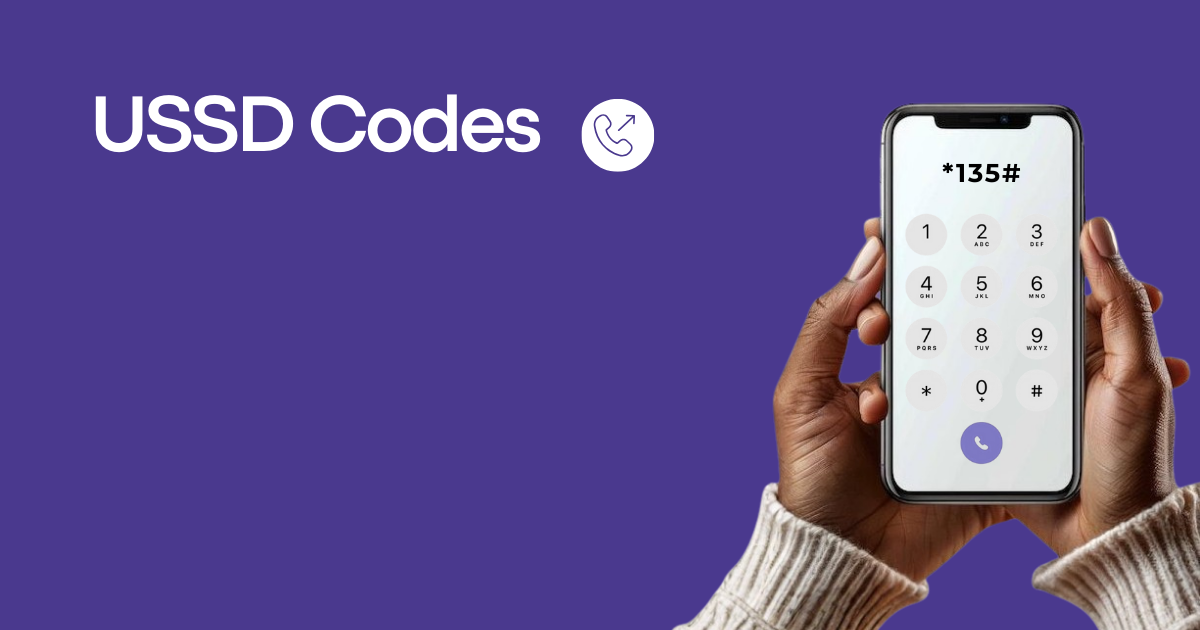
This is another quick method that works without data balance. Go to your phone dialer and dial a Du balance check code *135#. You will see the menu on your phone screen with the option “Balance”. Click that option, and your remaining balance will instantly pop up on your phone screen.
3. Du Mobile App
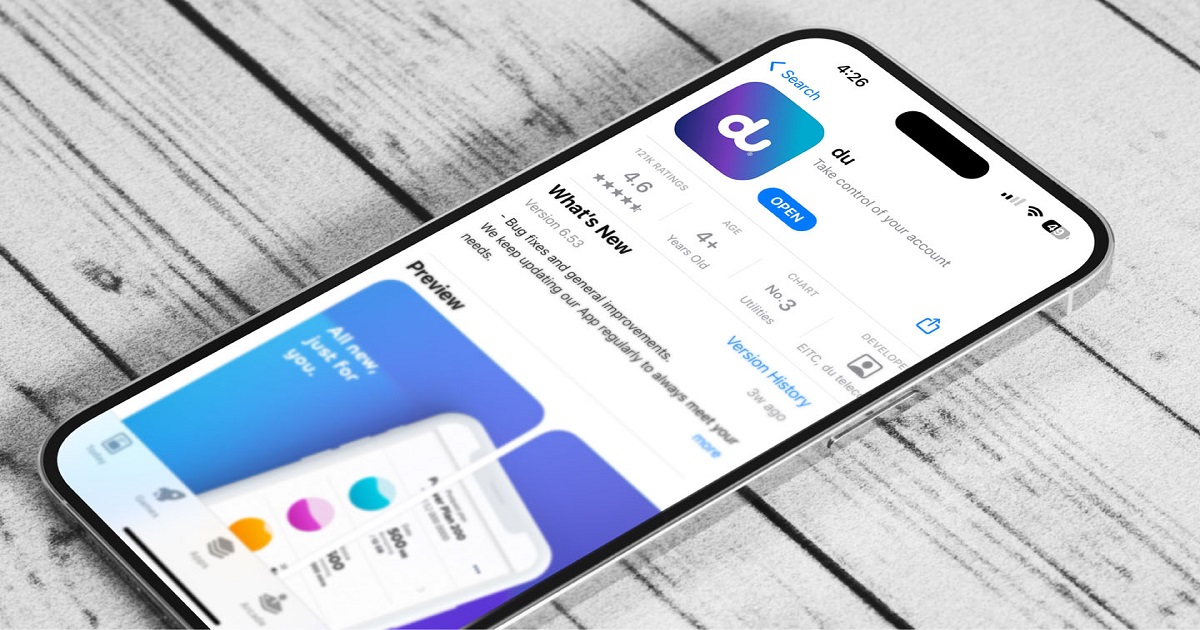
Download the Du UAE app from the Google Play Store or Apple App Store. Go to the app and log in by providing your credentials. After completing your login, click the “Account Summary” option. You will see your current balance and usage details on your phone screen. To use the Du mobile app, you must have mobile data in your network.
4. Du Website
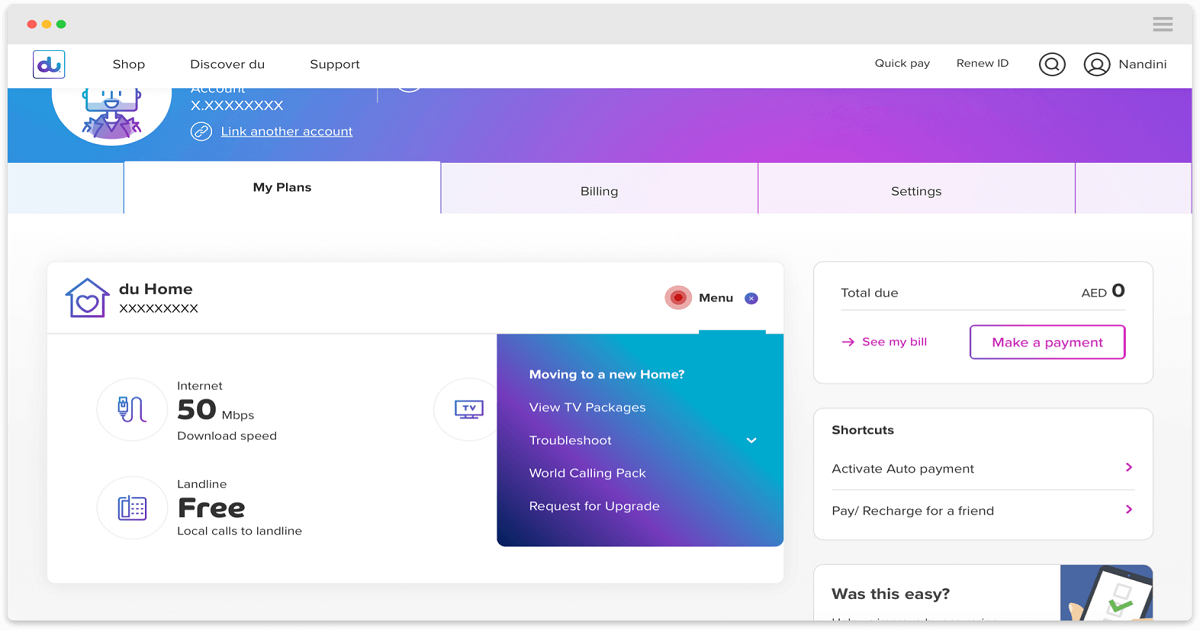
This is another smooth way for the DU balance check. Visit the Du official website. Go to the login option and enter the required information. Once logged in, click on the “My Account” option. After clicking, the system will display your account details on your screen. This method is easy, but it also requires mobile data.
5. Call DU Customer Service

If you have any queries related to your Du balance check, you can contact Du customer service, which is available 24/7. Simply dial 155 from your Du mobile number and contact the customer support agent directly. Choose your preferred language and follow the voice instructions. Select the “Balance Inquiry” option from the menu. Soon, you will receive your balance information in voice command or via SMS.
6. Use DU’s Chatbot

You can also interact with the Du chatbot via WhatsApp +971 58 242 8268. Request for account details or any other information related to your Du account.
Prepaid vs postpaid: what changes when you check balance
Du Balance Checking Services
These are the Du balance-checking services available to all current and former users.
Postpaid Balance Check
You can check your postpaid balance by following these methods:
- Write “rewards” in SMS and send to 1233
- Check the balance from Du Mobile app
- Visit the official website of Du and check your account details.
Prepaid Balance Check
For the prepaid Du balance check, follow these methods:
- Dial *135# and follow the instructions
- Visit your Du mobile application
- Call 135 and follow the IVR instructions
Out of Credit Service
Only Du subscribers can take advantage of the “out of credit” service. This service lets you borrow a small amount of credit, like AED 5 for calls, SMS, and data when you run out of balance. This amount will be deducted from your next recharge. To check out of a credit balance, follow these steps:
- Dial *108#.
- Follow prompts to find “Other Options” (5)
- “Check Balance” (2) to see how much you owe and your eligibility.
- Or Text “Balance” to 1080
To get credit, follow these steps:
- Dial *108# and select to borrow AED 5, or SMS.
- If you try to call with zero balance, you might hear a prompt that allows you to make a short (approx. 3 min) call by holding the line.
Prepaid Balance with Post Call Notification Service
You can also subscribe to Du’s Post Call Notification Service. In this service, once the call disconnects, a small message appears on your screen showing
- Your current remaining balance.
- The cost of the last call.
- The duration of the last call (in some cases)
This service charges a small fee of 1fils + VAT.
Easy Prepaid Line Balance
Easy prepaid line is a standard prepaid mobile service from du that offers users flexibility to pay standard rates or activate various voice and data add-on bundles. You can check your balance for the Easy Prepaid Line through several methods:
- Dial *135# from your Du mobile number and follow the on-screen menu instructions.
- Use the official du mobile application to manage your line and view usage details.
- Send an SMS with the word “Bal” or “Balance” to 1355.
Why Monitoring Your Data Balance is Crucial
Monitoring your data balance is important to avoid overspending. If you run out of data, then you have to pay a very high amount for data usage, like AED 1.05 per MB. So keep a regular eye on your data balance for budget control.
This also helps you to renew your packages on time, preventing sudden disconnections during important activities like Zoom calls or online shopping.
DU’s Proactive Notifications
DU provides several types of proactive notifications to give its customers a stress-free experience.
Data Usage Alerts
Du sends data consumption alerts for both prepaid and postpaid plans, like
- 50% usage, a reminder to start monitoring your consumption.
- 80% usage, a heads-up that you are approaching your limit.
- 100% usage, a final alert when your data allowance is fully used.
Credit Limit Alerts (Postpaid)
If you are on a postpaid plan with a credit limit, you will receive notifications when your accumulated charges reach a specific percentage of that limit. You will receive the first notifications at 80% usage that you are nearing your spending limit. Then a further warning on 95% usage, and then a final notification on 100% usage that you have reached your limit.
How to check your roaming balance
If you are travelling, open the Du app and go to Data Roaming. This shows your roaming data left for the country you are in. You can also visit mydata.du.ae, log in, and check the Data Portal for the same detail.
Check balance on a Du data card
Open the Du app and select My Data Card. Enter your card number and PIN to see your balance. You can also call Du customer service and give your card number and PIN over the phone.
Check your balance validity
Do not lose unused balance
Your Du credit and data do not last forever. Each recharge comes with a validity period. If you do not use your balance before it expires, you lose it. To check your validity, dial *135# and look for the expiry date on the screen, or open the Du app and check the Validity section under your account.
Out of credit service
If your balance hits zero, Du lets you borrow a small amount to stay connected.
- Dial *108#
- Choose “Other Options”
- Select “Check Balance” to see what you owe
- Or text “Balance” to 1080
To borrow credit, dial *108# and choose to borrow AED 5. The amount is deducted from your next recharge.
Post call notification service
You can turn on a service that texts you after every call. It shows your remaining balance, the cost of the last call, and how long it lasted. This service costs 1 fils plus VAT per message.
Balance alerts Du sends you
How to transfer Du balance to another number
Dial *121*055XXXXXXX*amount# and replace the X digits with the other person’s Du number. Press call. The amount moves instantly with no fee.
How to recharge your Du balance
- Recharge card: buy a Du scratch card from a shop and dial the code printed on it.
- Du app or website: log in and pay by debit or credit card.
- ATM or payment kiosk: some UAE bank ATMs let you top up your Du line directly.
Keep your payment receipt until the balance appears in your account, in case you need to raise a support request.
Why is my balance not updating?
Sometimes your balance takes a moment to refresh. Common reasons include a busy server, weak signal, or an old app version. Update the app, move to better signal, and wait a few minutes before checking again. If the balance still looks wrong after ten minutes, call 155 for help.
Common balance check errors
Invalid code message: check the USSD symbols and try again. Network busy: wait a minute and dial again. No signal: move to an open area. App login failed: reset your password or update the app.
Myths vs facts about Du balance
Conclusion
Du (Emirates Integrated Telecommunications Company) is a major player in the UAE’s digital infrastructure, everlist.ae contributing to national digital transformation goals. Du provides exceptional services to both UAE residents and tourists. You can check your Du balance using the Du app, visiting mydata.du.ae, or using USSD/SMS codes.
Frequently Asked Questions
How do I check my Du balance?
Dial *135# from your Du number or send BAL by SMS to 1355.
How do I check my Du balance without internet?
Use *135# or send BAL to 1355. Both methods work without an internet connection.
What is the Du balance check code?
The main Du balance check code is *135#. To check your data balance, dial *135*1#.
How do I check my Du postpaid balance?
Dial *135#, use the Du app, or sign in to your account on du.ae.
Can I check my Du roaming balance?
Yes. Open the Du app and go to Data Roaming, or visit mydata.du.ae.
Does Du charge for checking balance?
No. Checking your balance via USSD, SMS, or the Du app is free.
What happens if my Du balance expires?
Any unused balance or data expires. Recharge before the expiry date to avoid losing it.
How do I get emergency credit on Du?
Dial *108# and choose the option to borrow AED 5. The amount will be deducted from your next recharge.